Custom Pages
The Management Module interface can include custom pages, which are subject to the standard CMDBuild security mechanisms.
Custom pages are developed in JavaScript using the same mechanisms and Sencha ExtJS framework adopted by the standard CMDBuild interface.
Different layouts can be configured for the desktop and mobile interfaces.
Properties Tab
This function allows creating new custom pages or modifying existing ones.
The available operations include:
- creating a new custom page
- searching among existing custom pages
- editing a custom page
- downloading the source code of a custom page (ZIP format)
- deleting a custom page
- disabling a custom page (marking it as inactive)
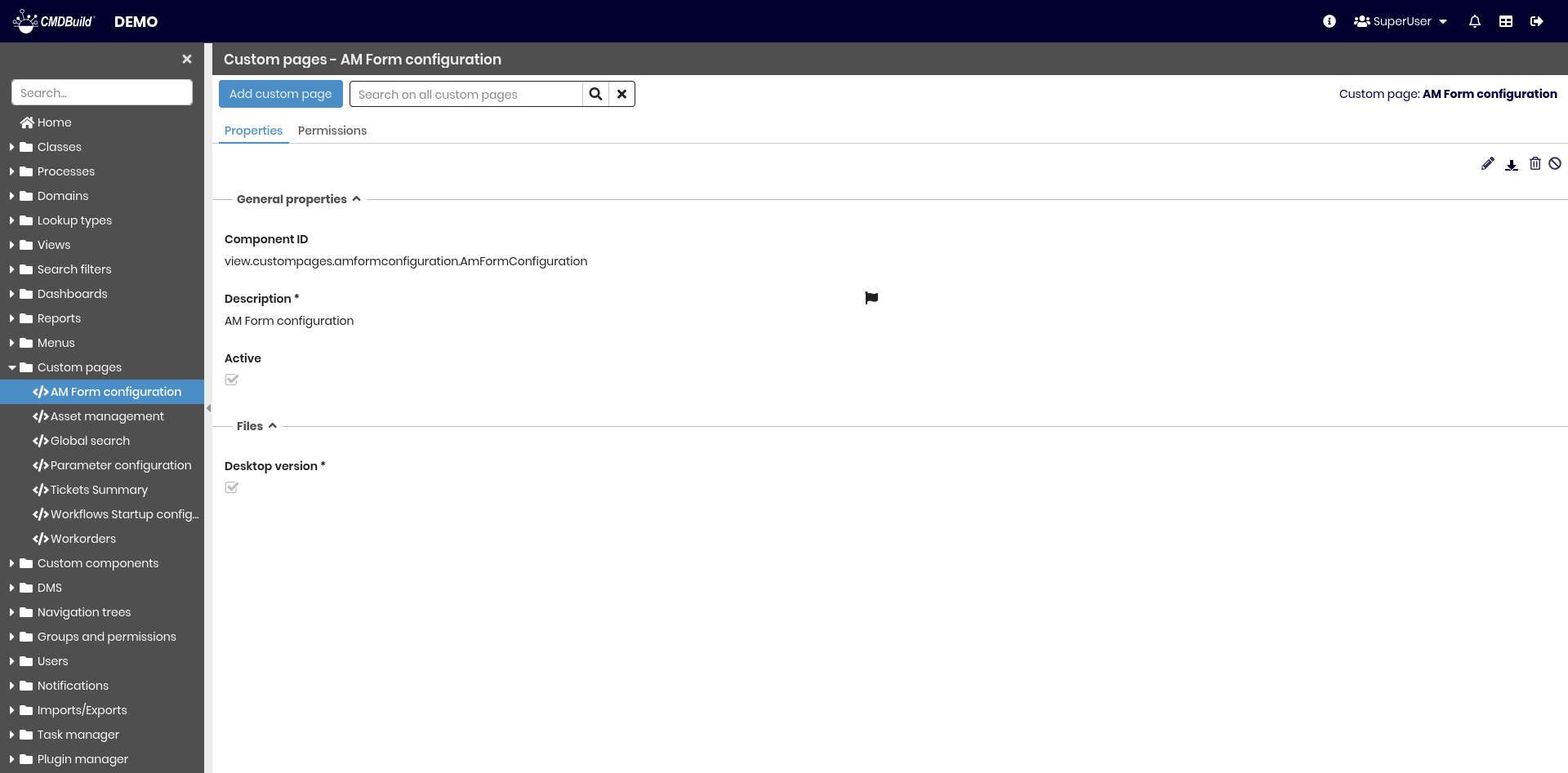
General Properties
The following information is available:
- ID component: identifier assigned automatically by the system when the custom page is created; it is read‑only and visible only in view mode
- Description: unique name assigned to the custom page. This field is localizable
- Active: enables or disables the custom page for users

Files
The following information is required to upload the implementation files:
- Desktop ZIP file: contains all files required for the custom page in the desktop interface
- Mobile ZIP file: contains all files required for the custom page in the mobile interface (visible only if mobile support is enabled)

Permissions Tab
This section allows configuring permissions on the current custom page for specific user groups.
Permissions determine which groups can access the custom page.
For details on permission management, refer to the relative section.