Custom Components
CMDBuild allows administrators to create custom UI components, import them into the Administration Module and use them in contextual menus and form widgets of the Management Module.
Contextual Menus
This function allows defining custom components used in contextual menus for both the desktop and mobile interfaces.
The associated JavaScript implementation can be uploaded directly from this section.
The available operations include:
- creating a new custom component
- searching among existing custom components
- editing a custom component
- deleting a custom component
- disabling a custom component (marking it as inactive)
Each custom component requires the configuration of the following metadata.
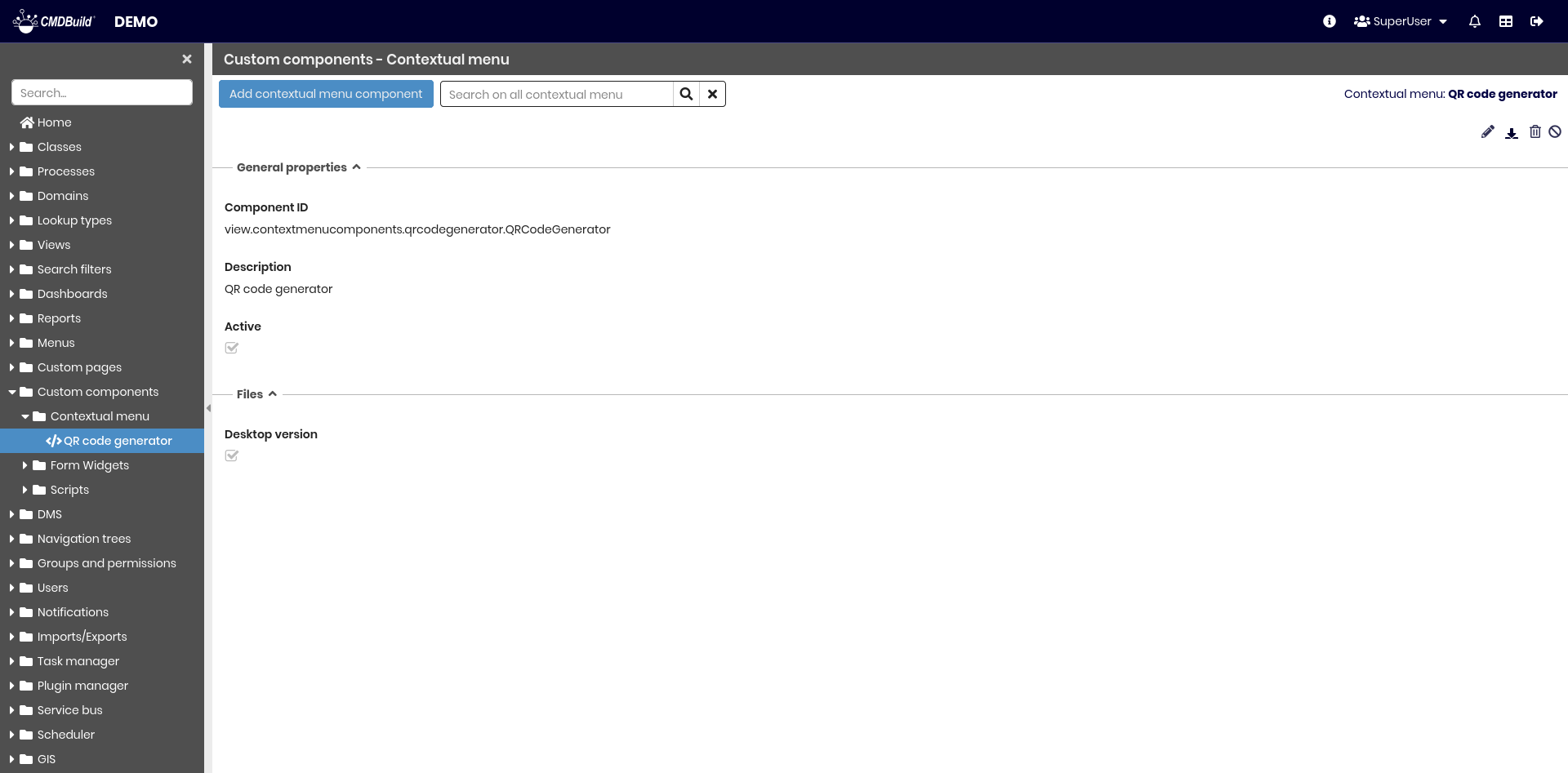
General Properties
The following information is required:
- Description: description of the custom component
- Active: enables or disables the custom component

File
The following information is required:
- Desktop ZIP file: contains all implementation files for the desktop interface
- Mobile ZIP file: contains all implementation files for the mobile interface (visible only if mobile support is enabled)

Form Widgets
This function allows defining form widgets used as widgets in data cards, for both the desktop and mobile interfaces.
The associated JavaScript implementation can be uploaded directly from this section.
The available operations include:
- creating a new form widget
- searching among existing form widgets
- editing a form widget
- deleting a form widget
- disabling a form widget (marking it as inactive)
Each form widget requires the configuration of the following metadata.
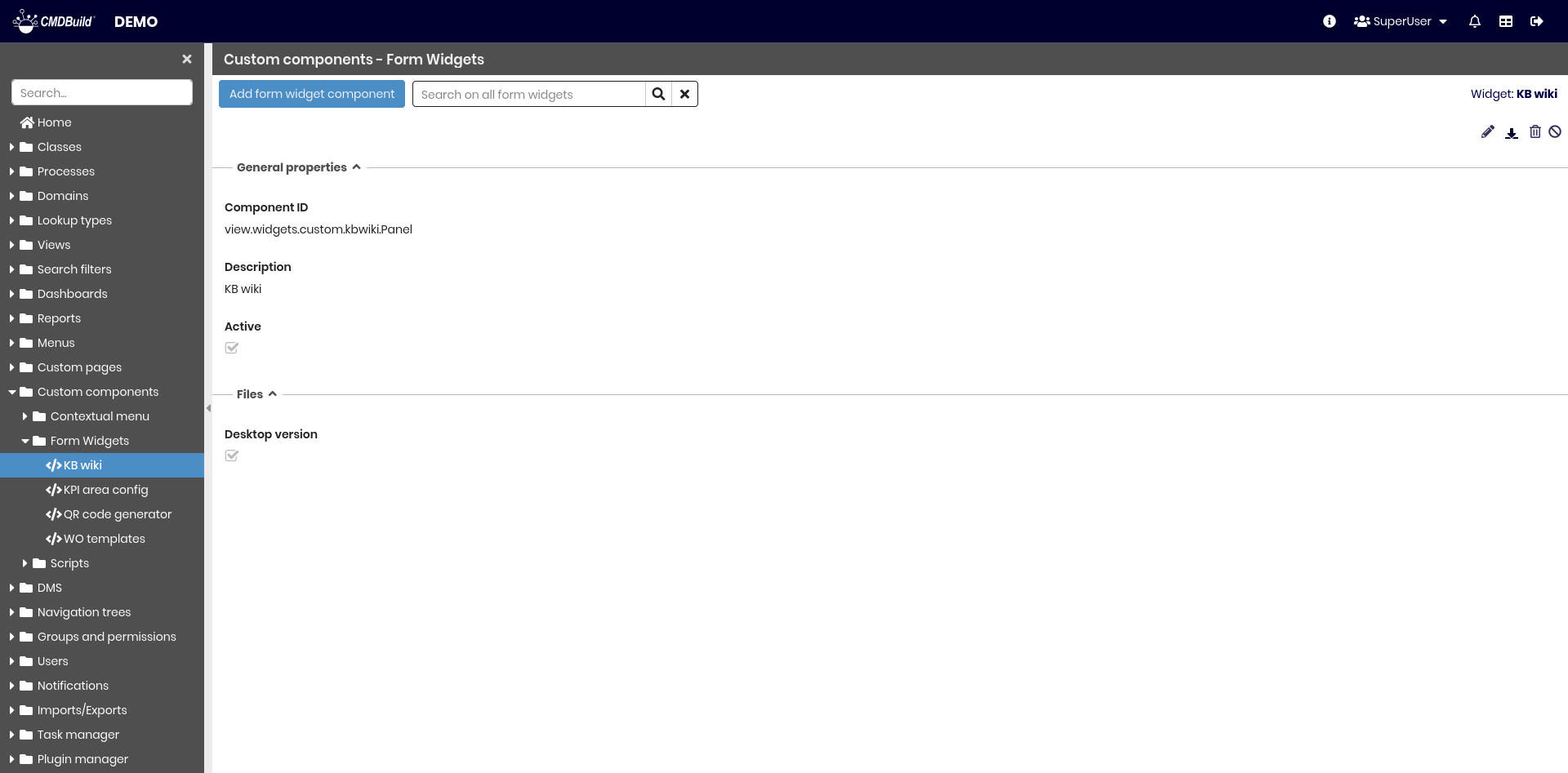
General Properties
The following information is required:
- Description: description of the form widget
- Active: enables or disables the form widget

File
The following information is required:
- Desktop ZIP file: contains all implementation files for the desktop interface
- Mobile ZIP file: contains all implementation files for the mobile interface (visible only if mobile support is enabled)
Script
This function allows defining custom scripts used for Formula attribute.
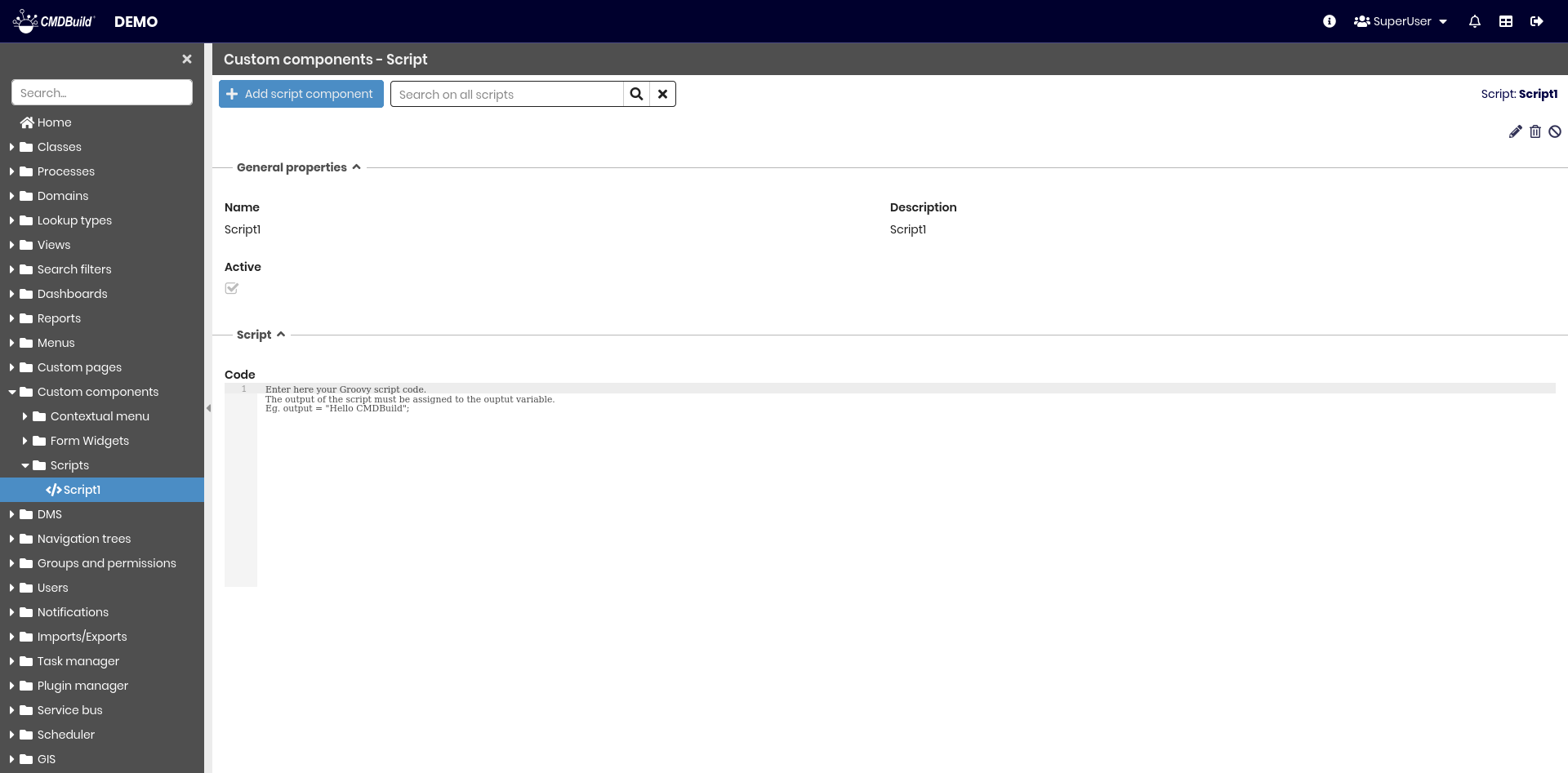
General Properties
The following information is required:
- Name: name of the script
- Description: description of the script
- Active: enables or disables the script

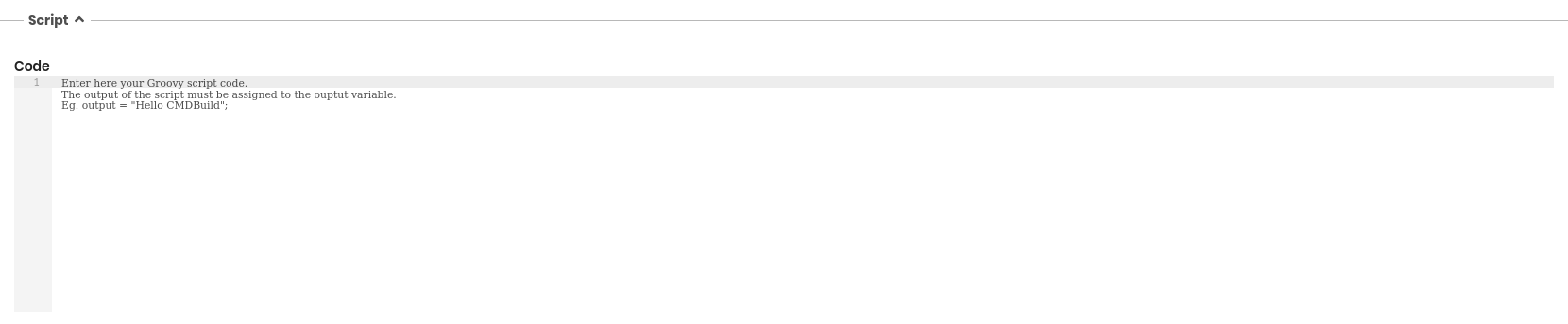
Script
This section allows the administrator to write the Groovy script that implements the desired logic.