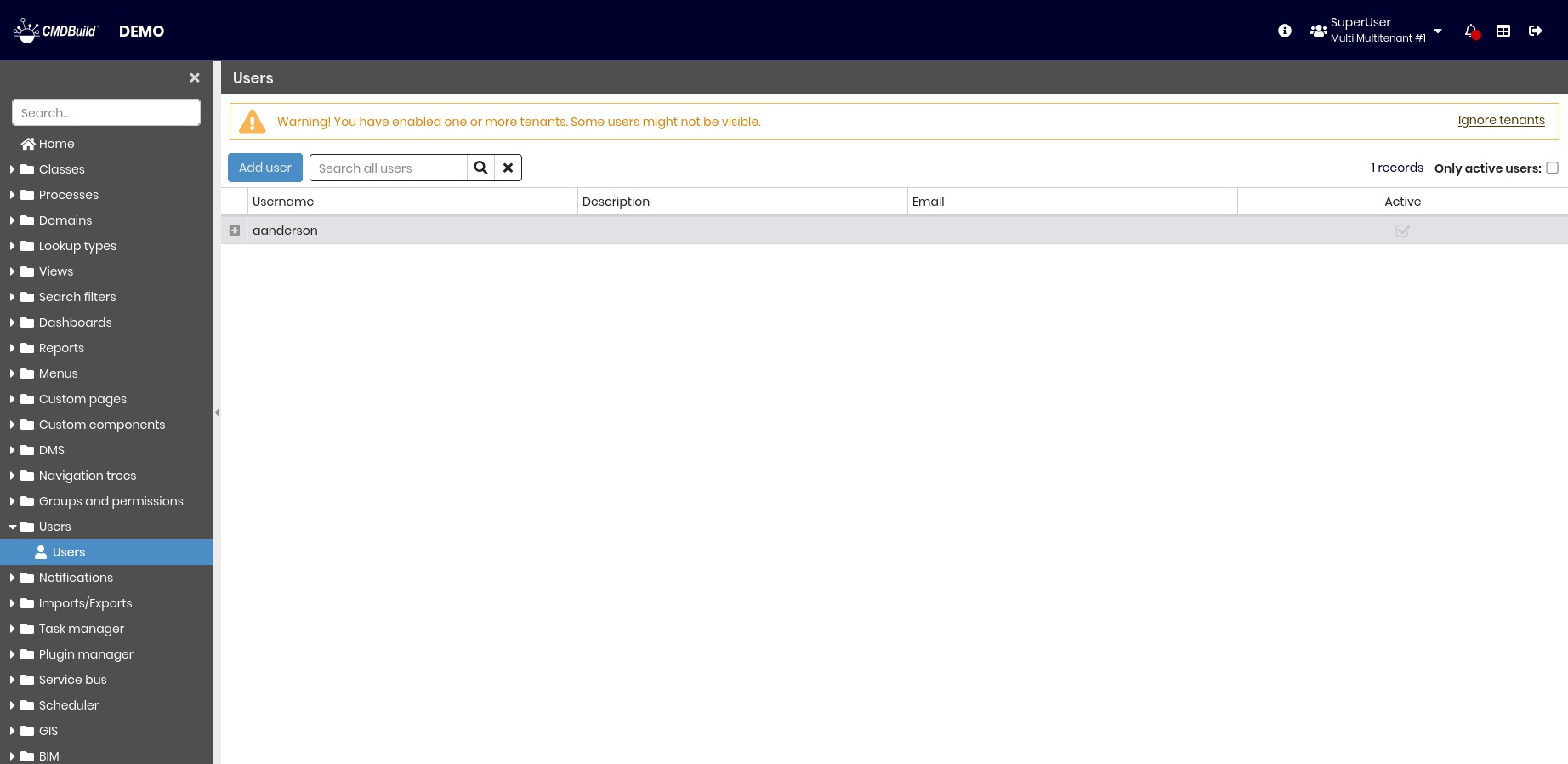
Users
As previously described, CMDBuild security management is based on user groups (roles). Different permissions are associated with these groups across several item types, with granular control down to single rows and columns of a class. In multi-company scenarios, or when CMDBuild is used across departments or independent organizational units, the system can be configured in multitenant mode, allowing each tenant to operate on an isolated CMDB subdivision. CMDBuild allows you to manage individual users by associating them with one or more groups and one or more tenants. Each user can access the system with the combined permissions of the assigned groups and tenants, or by selecting a specific group and tenant at login.
Properties
This feature allows you to create and manage system user accounts.
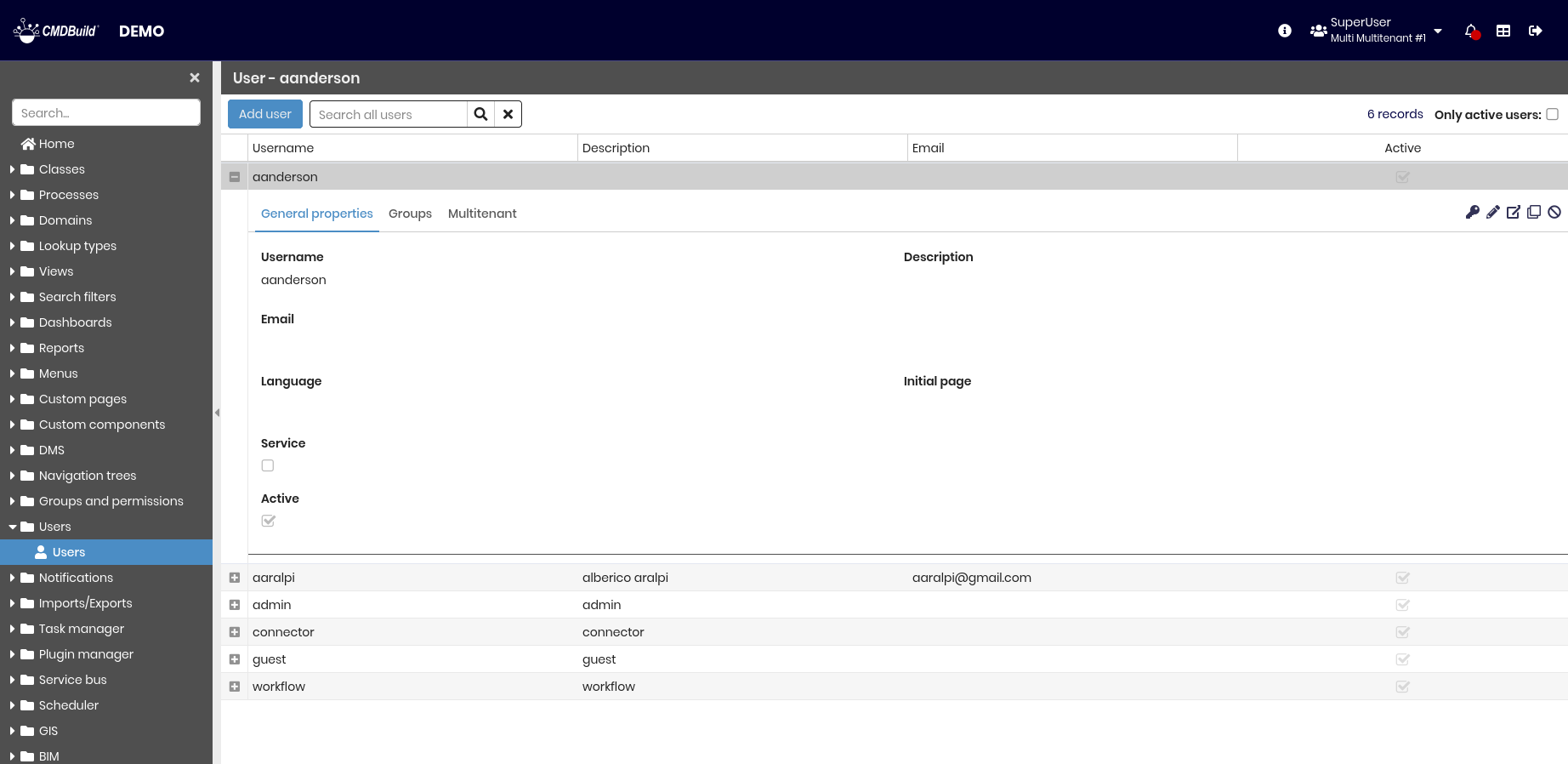
The following operations are available.
-
Top bar:
- Add a new user
- Search among configured users
- Show only active users
-
Single row actions:
- Change login password
- Edit the selected user
- View detailed information for the selected user
- Clone the selected user
- Enable or disable the selected user
For each user, you must complete several fields grouped into the sections described below.
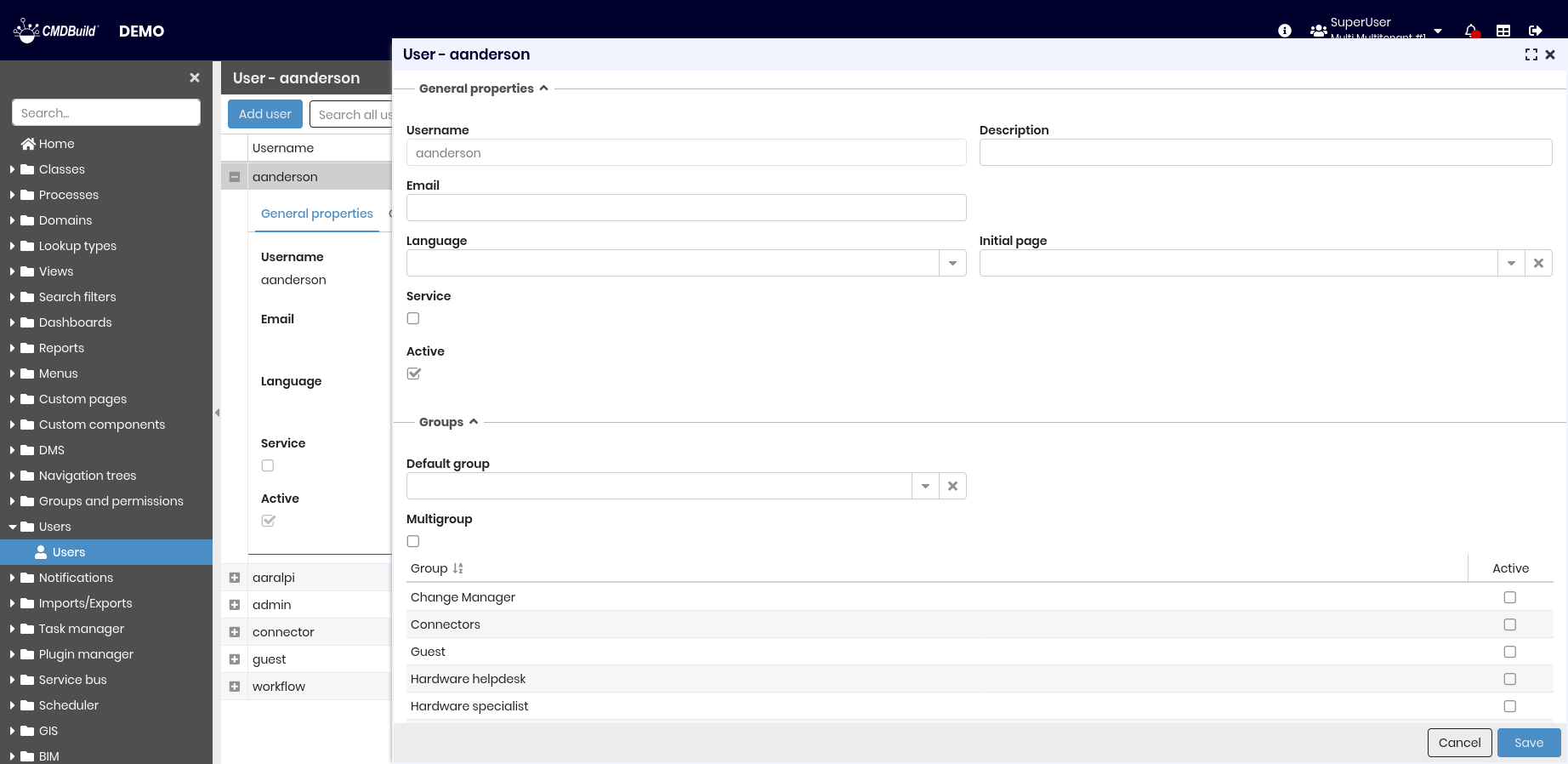
General properties
The following information is required.
- Username — login name
- Description — information shown in the application header to identify the current user
- Email — user email address, used for notifications
- Language — default language of the application interface
- Initial page — page displayed after login
- Service — indicates that the user is a technical account used only by automated services
- Active — enables or disables the user account
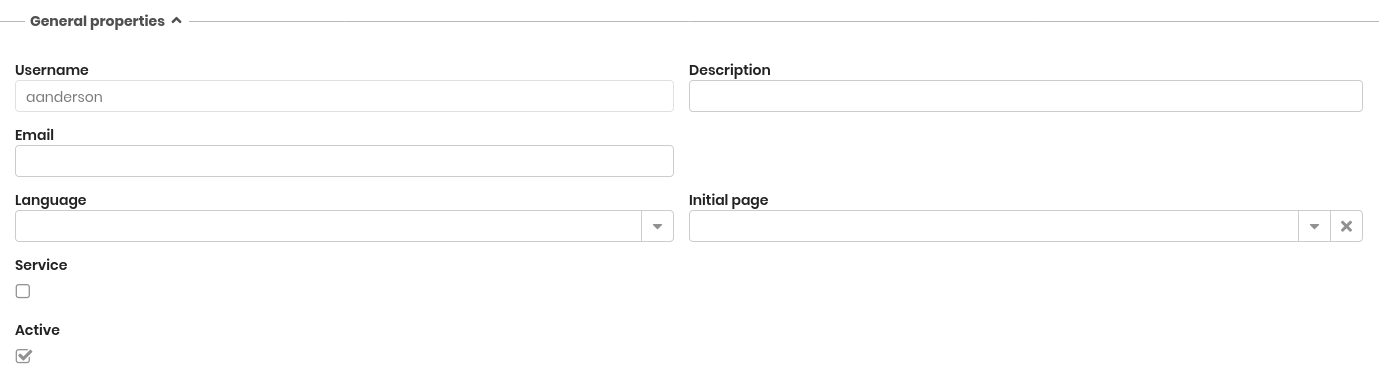
Password
This section appears only when creating a new user. The following information is required:
- Password — password used to access the system. The value is hidden while typing
- Confirm password — confirmation of the password
- Change password at first login — if enabled, the user is prompted to set a new password after the first login

For existing users, the password can be changed only using the dedicated action in the user row. This opens a dialog with the same fields described above.
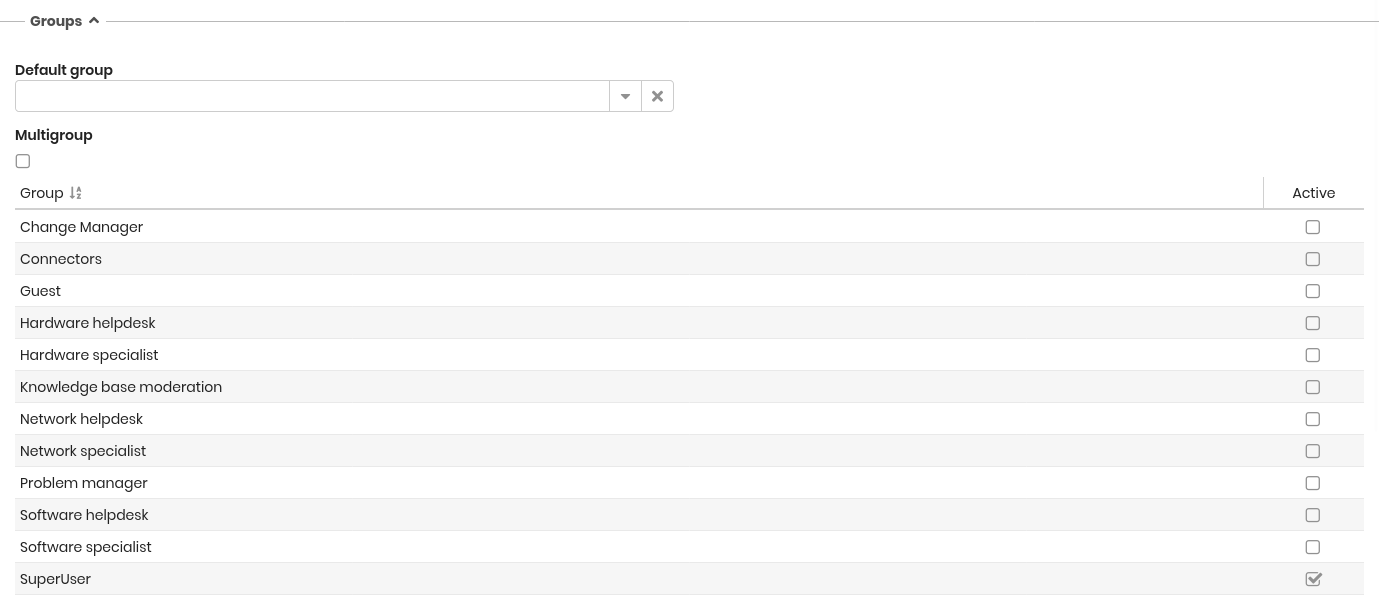
Belonging groups
The following information is required.
- Default group — group used at login when the multigroup option is not enabled. If multigroup is active, this group defines the default settings used in expected contexts, such as process start
- Multigroup — the user accesses the application with the combined permissions of all assigned groups, even when no group selection is requested at login
- List of groups — groups assigned to the user. At login, these are proposed if neither a default group nor the multitenant option is set
Belonging tenant
The following information is required.
- Multitenant — the user accesses the application with the visibility rules of all assigned tenants. In this case, tenant selection is not required at login
- List of tenants — tenants assigned to the user. At login, these are proposed when the multitenant option is enabled

If multitenant mode is active and not all users have a tenant assigned, this page displays only users associated with at least one tenant. By selecting Ignore tenants, tenant filtering is disabled and all configured users are displayed.