Server Configuration
The CMDBuild server configuration pages allow you to monitor and control several aspects of ongoing processing and active services.
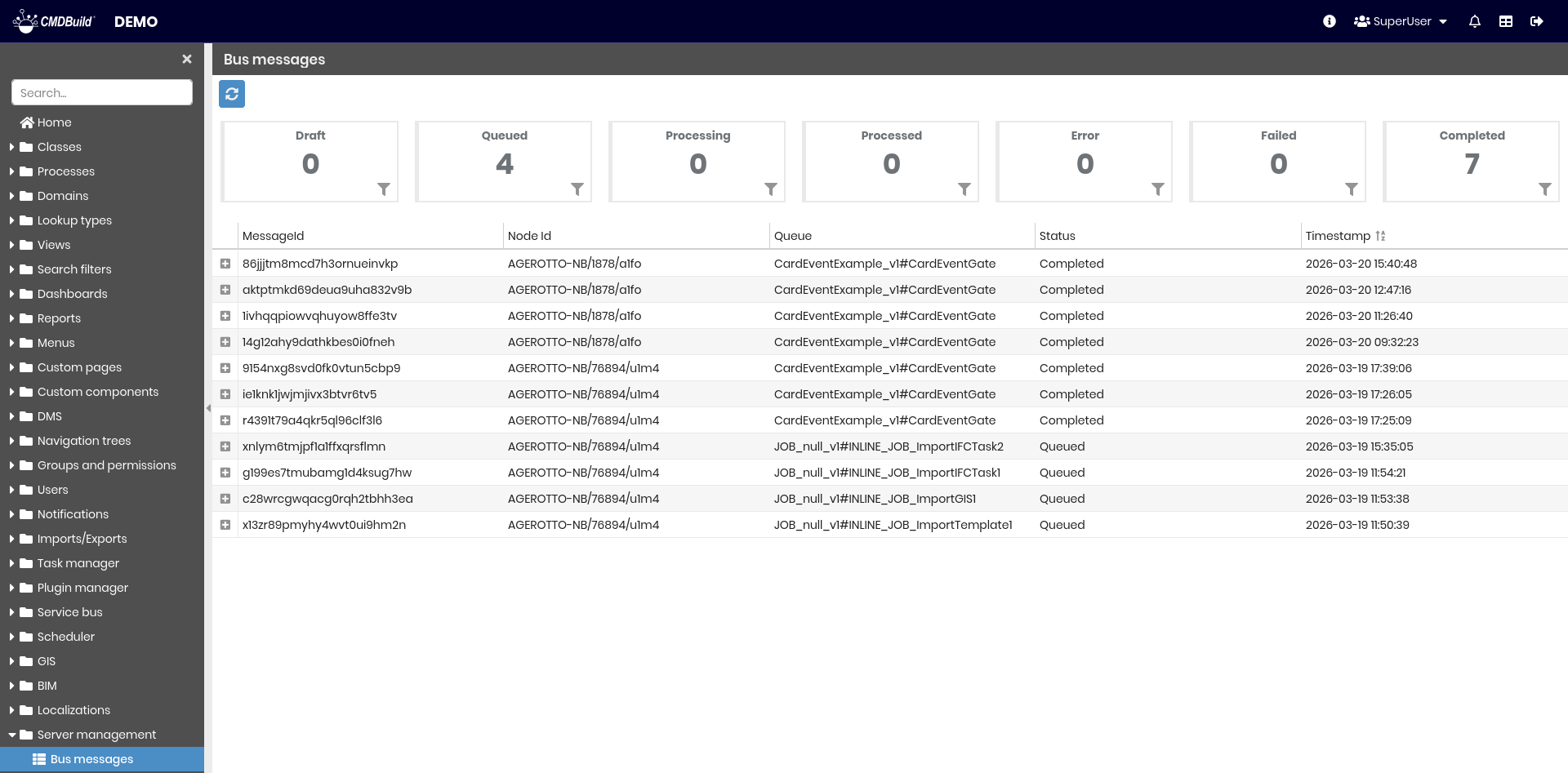
Bus messages
This section displays messages exchanged between services through the CMDBuild Service Bus. At the top, message types are summarized, showing the number of messages for each type and allowing filtering by type. The grid displays the list of messages with detailed information, and the tool in the top-left corner allows you to refresh the data.
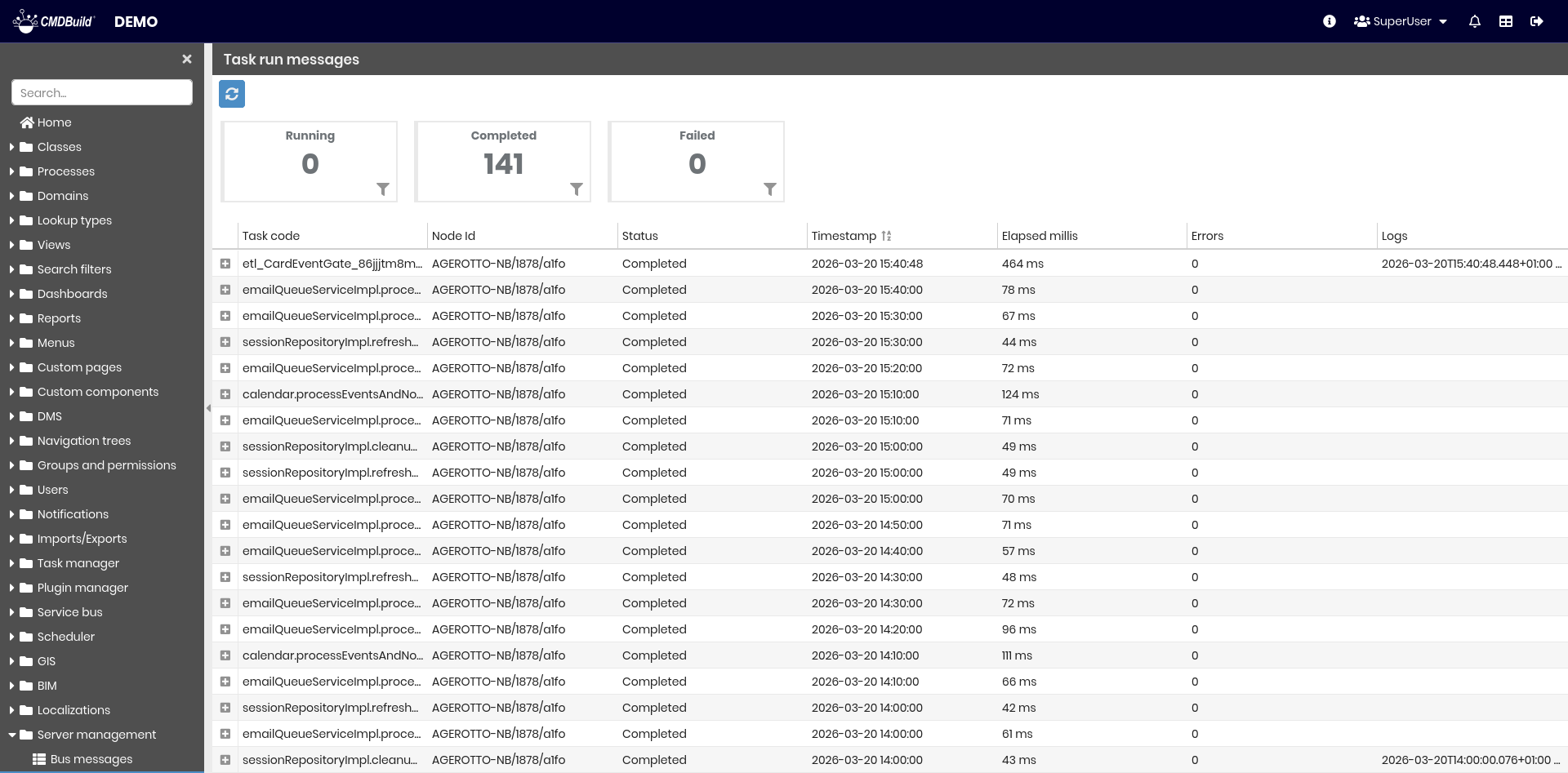
Task run messages
This section displays messages generated by tasks executed in the system. At the top, message types are summarized, showing the number of messages for each type and allowing filtering by type. The grid displays the list of messages with detailed information, and the tool in the top-left corner allows you to refresh the data.
Logs management
This section allows you to manage CMDBuild log files.
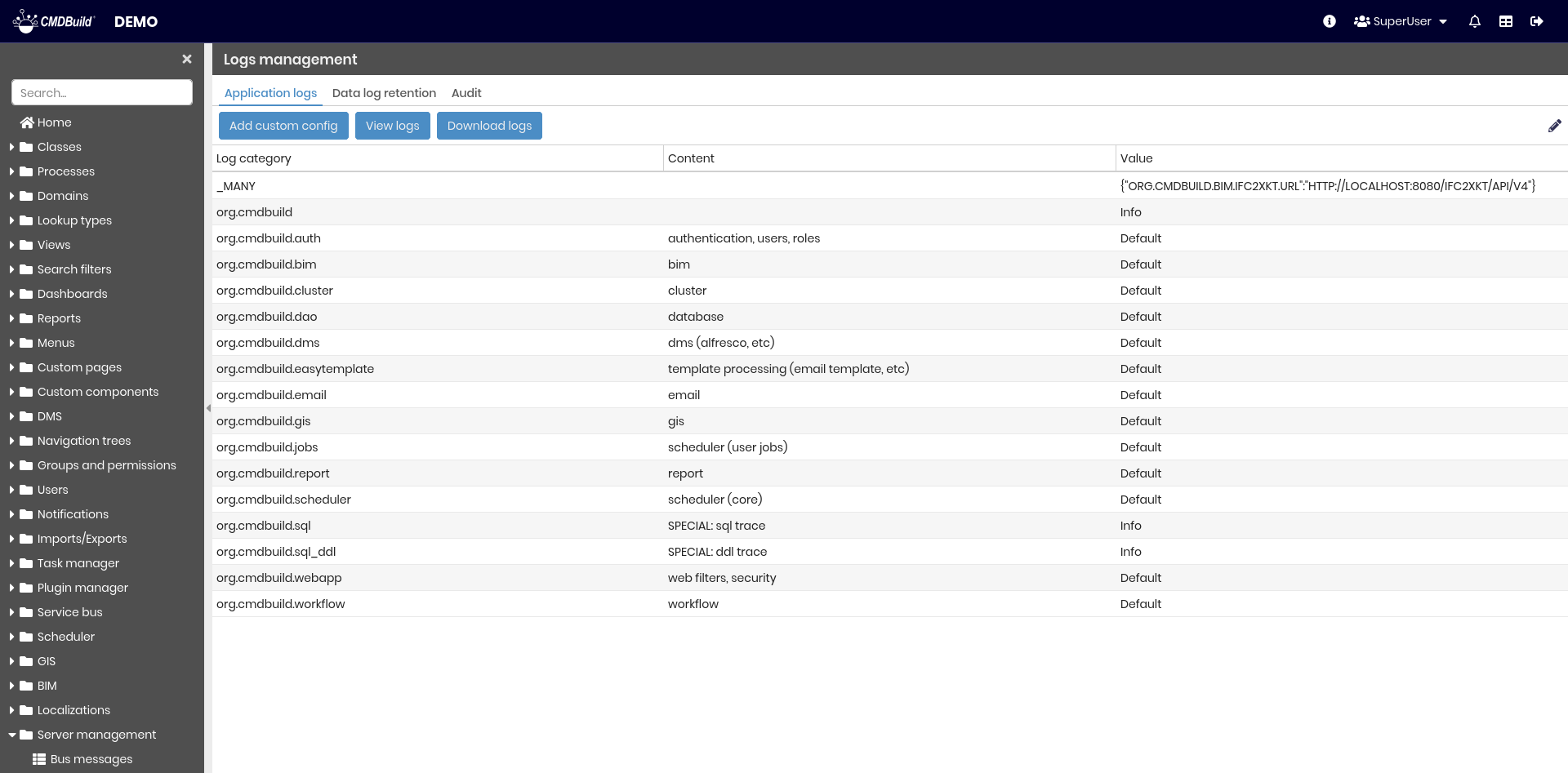
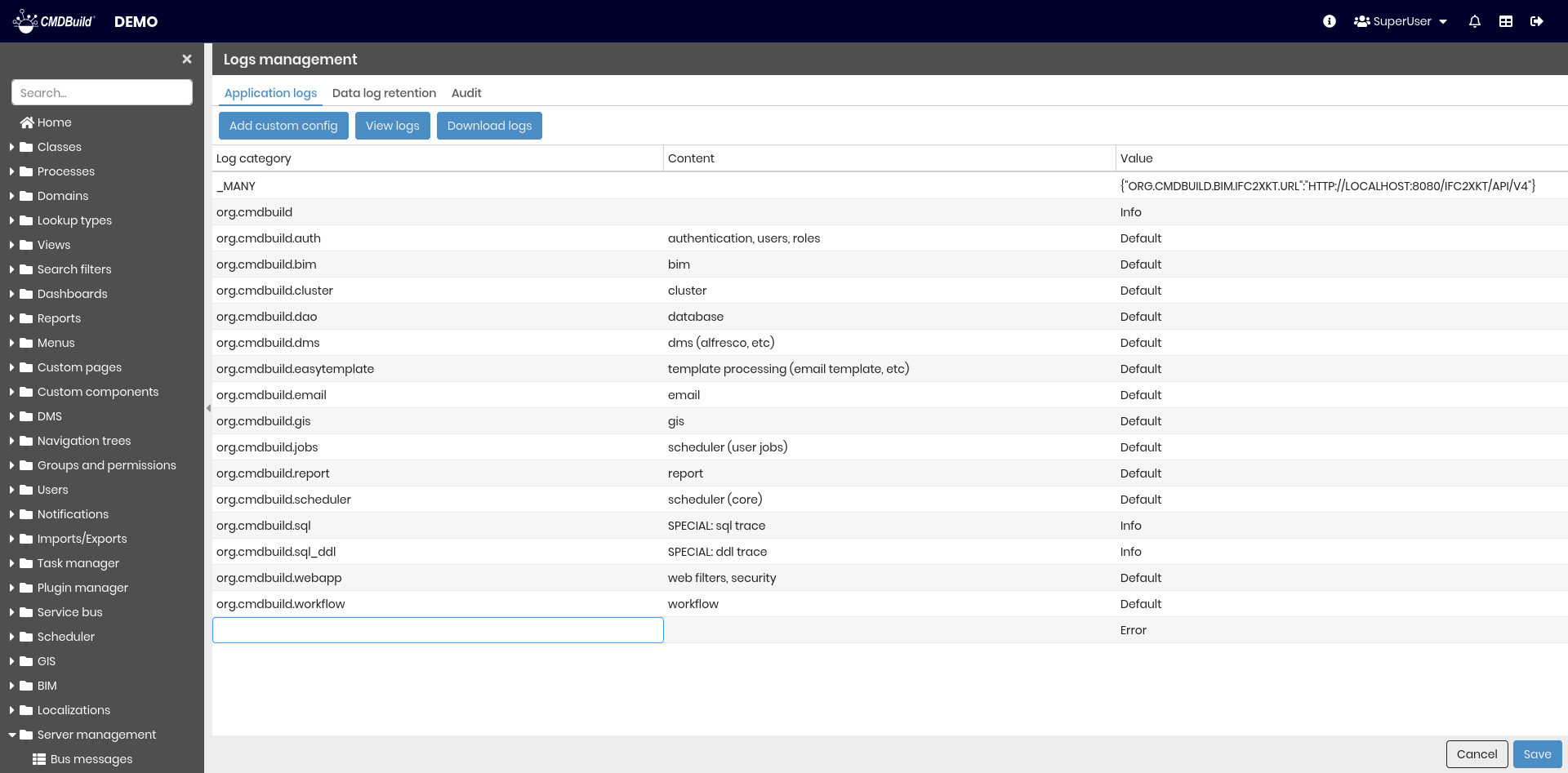
It is composed of three tabs.
Application logs
This section displays the available log categories. For each category, different log levels can be configured to classify messages.
- DEFAULT — standard recording mode, includes basic operational information
- TRACE and DEBUG — detailed information useful for technical diagnostics
- INFO — normal application operations
- WARN — abnormal conditions that do not compromise system functionality
- ERROR — problems that require intervention
The following operations are available:
- Add custom config — add a new log configuration
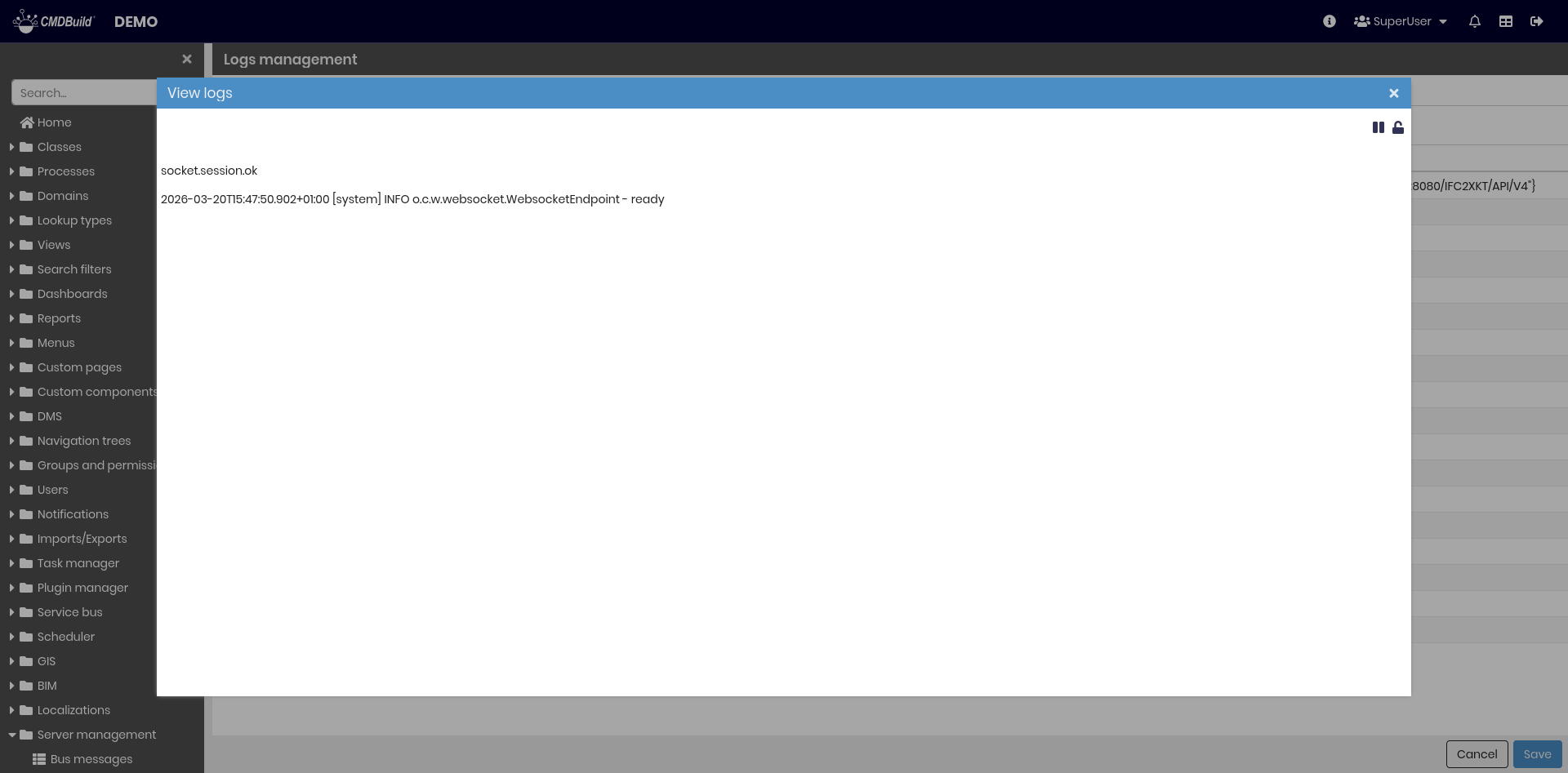
- View log — display the CMDBuild log file
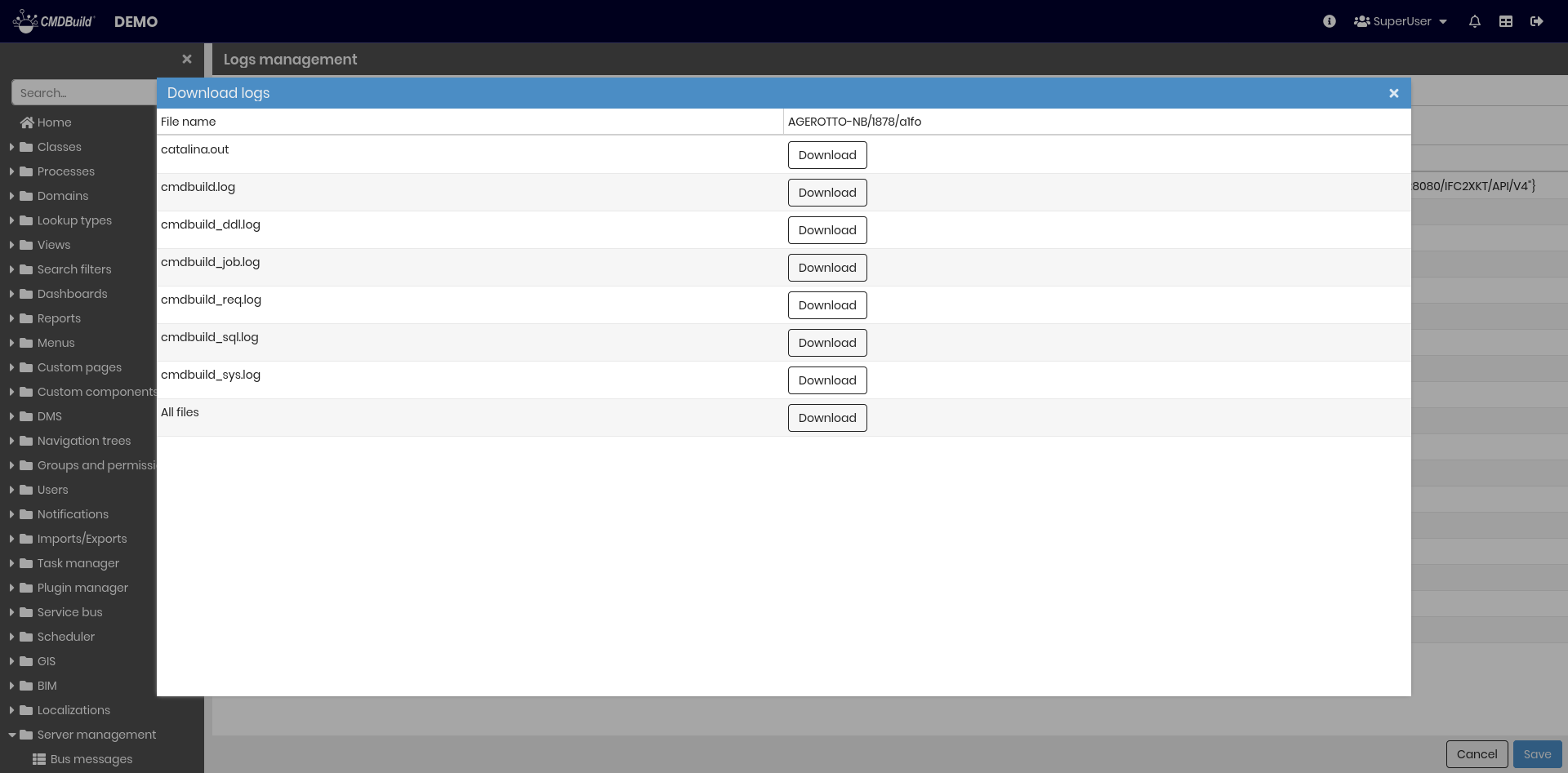
- Download log — download the log files used by CMDBuild
Data log retention
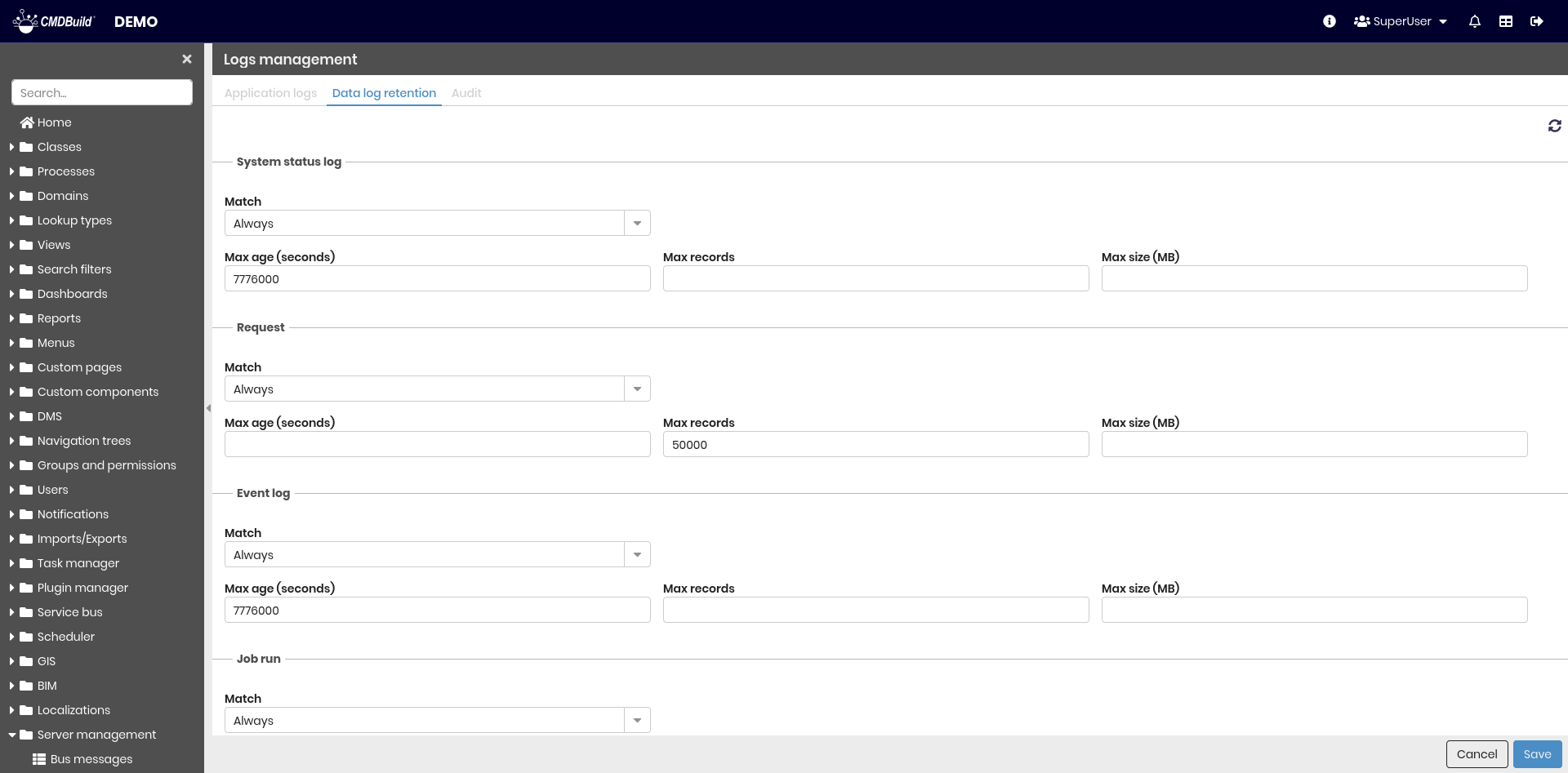
This section allows you to configure retention parameters for log data. For each log type, the following settings are available:
- Match — defines whether rules apply to all logs or only those matching a filter
- Max age (seconds) — logs older than this value are ignored or deleted
- Max records — maximum number of log records to keep or display
- Max size (MB) — maximum log size
When Match is set to filter, additional fields appear to configure retention rules for non-matching records.
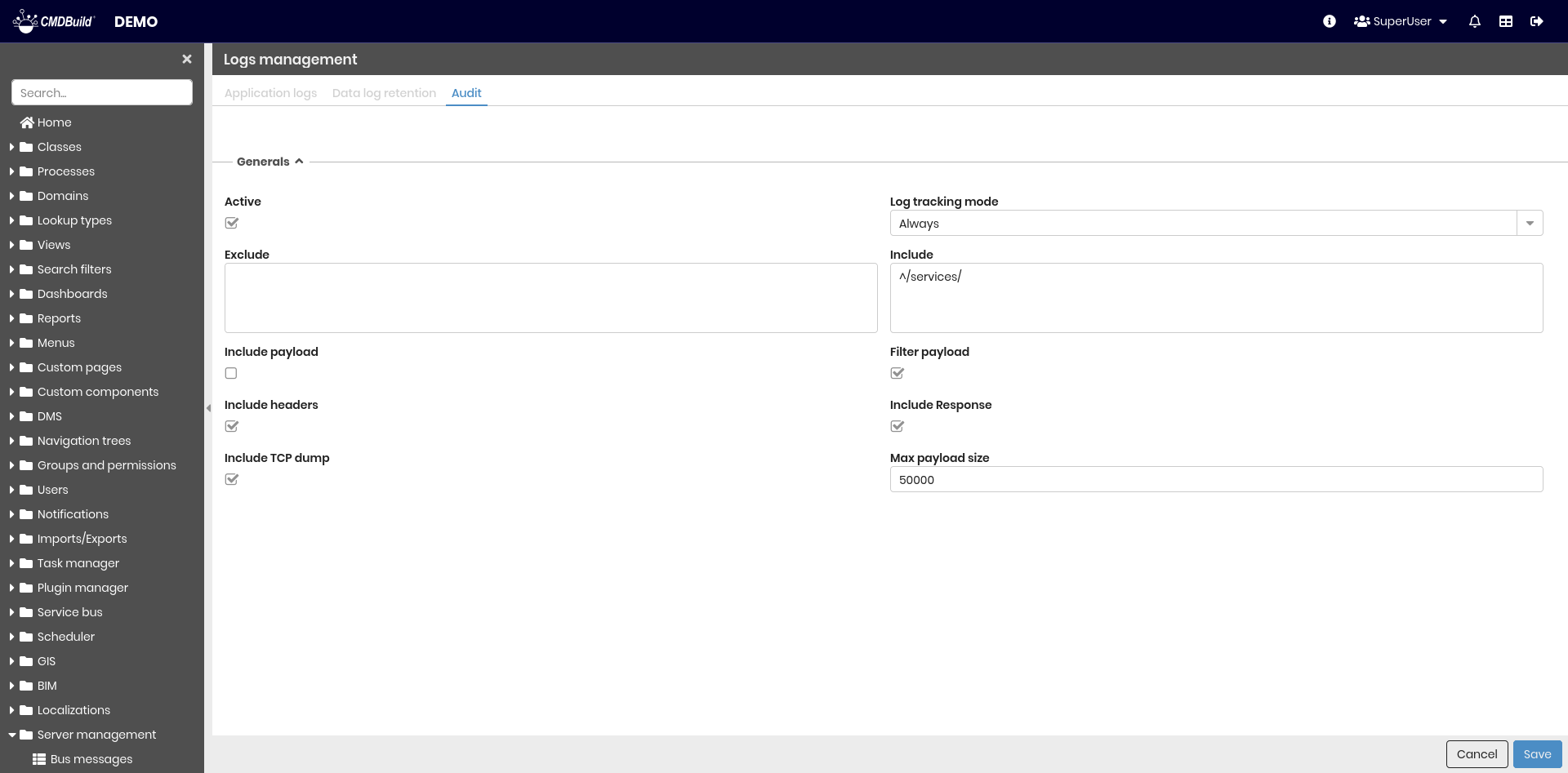
Audit
This section is used to configure audit logging, providing a traceable and auditable record of relevant system activities. Various parameters can be configured to control audit behavior. When entering edit mode, a tool is displayed that allows resetting the configuration to its default values.
System
This section displays the server status and provides access to system-level actions.
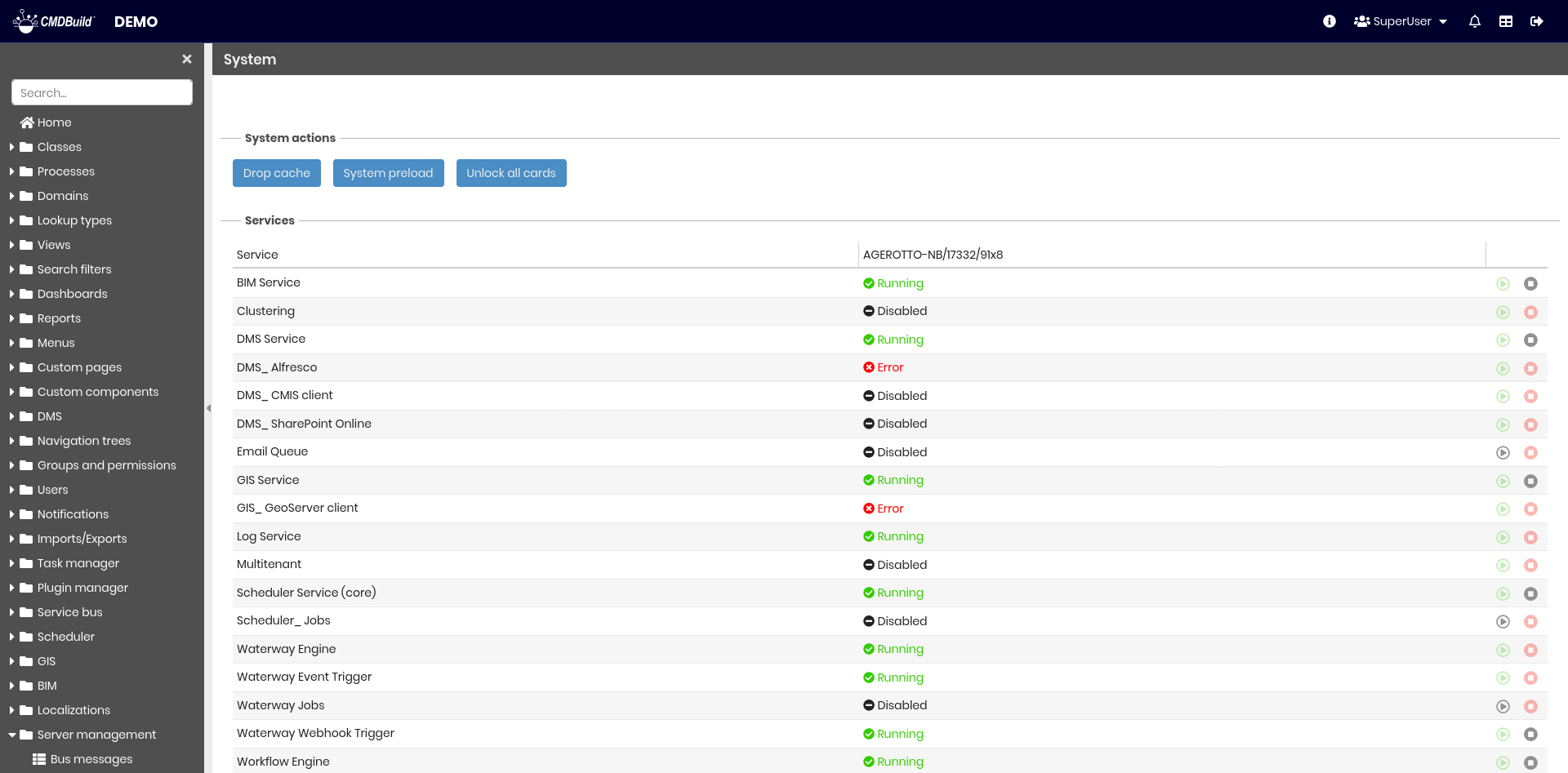
System actions
This fieldset provides buttons to perform service operations:
- Drop cache — clears the CMDBuild cache, useful when database elements are modified outside the application and a restart is not desired
- System preload — reloads cached information after a cache drop
- Unlock all cards — unlocks currently locked cards and processes, forcing lock release

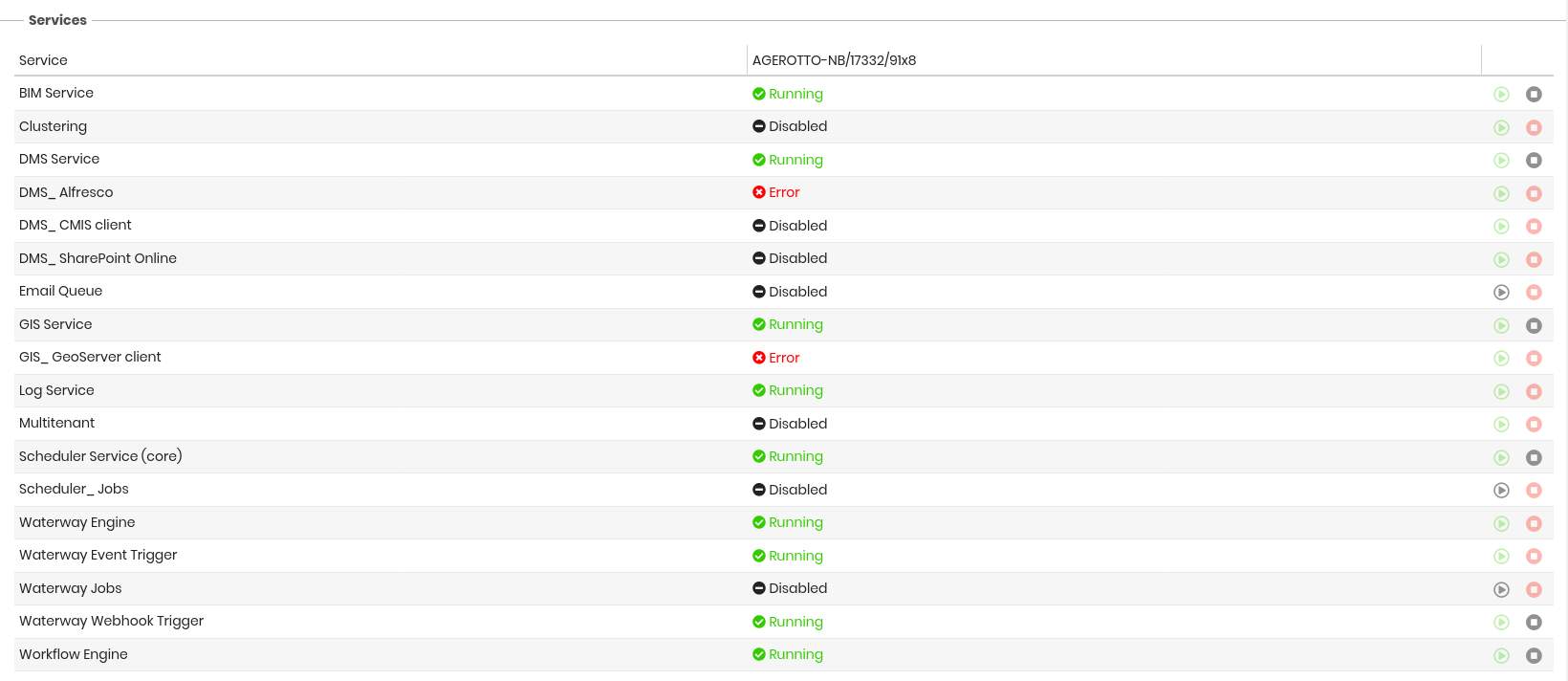
Services
This fieldset displays the current status of the services used by CMDBuild and allows interruption of some services when supported.