Document Management System
CMDBuild integrates with external Document Management Systems (DMS) to store and retrieve attachments associated with Configuration Items.
CMDBuild natively supports the open‑source Alfresco DMS and Microsoft SharePoint. Additional DMS platforms can be integrated through custom plugins. PAT also provides a CMIS‑compatible plugin to ensure backward compatibility with earlier CMDBuild versions.
The DMS acts as the repository for documents, while CMDBuild remains the user interface used to upload, manage and download attachments.
Attachments can be grouped into document categories, which can be defined differently for each class. Each category can be associated with a document model, allowing administrators to enable specific behaviours and metadata fields.
DMS Models
DMS models allow configuring metadata associated with attachments. Their management is similar to class configuration.
Properties Tab
The Properties tab is used to create new DMS models or modify existing ones.
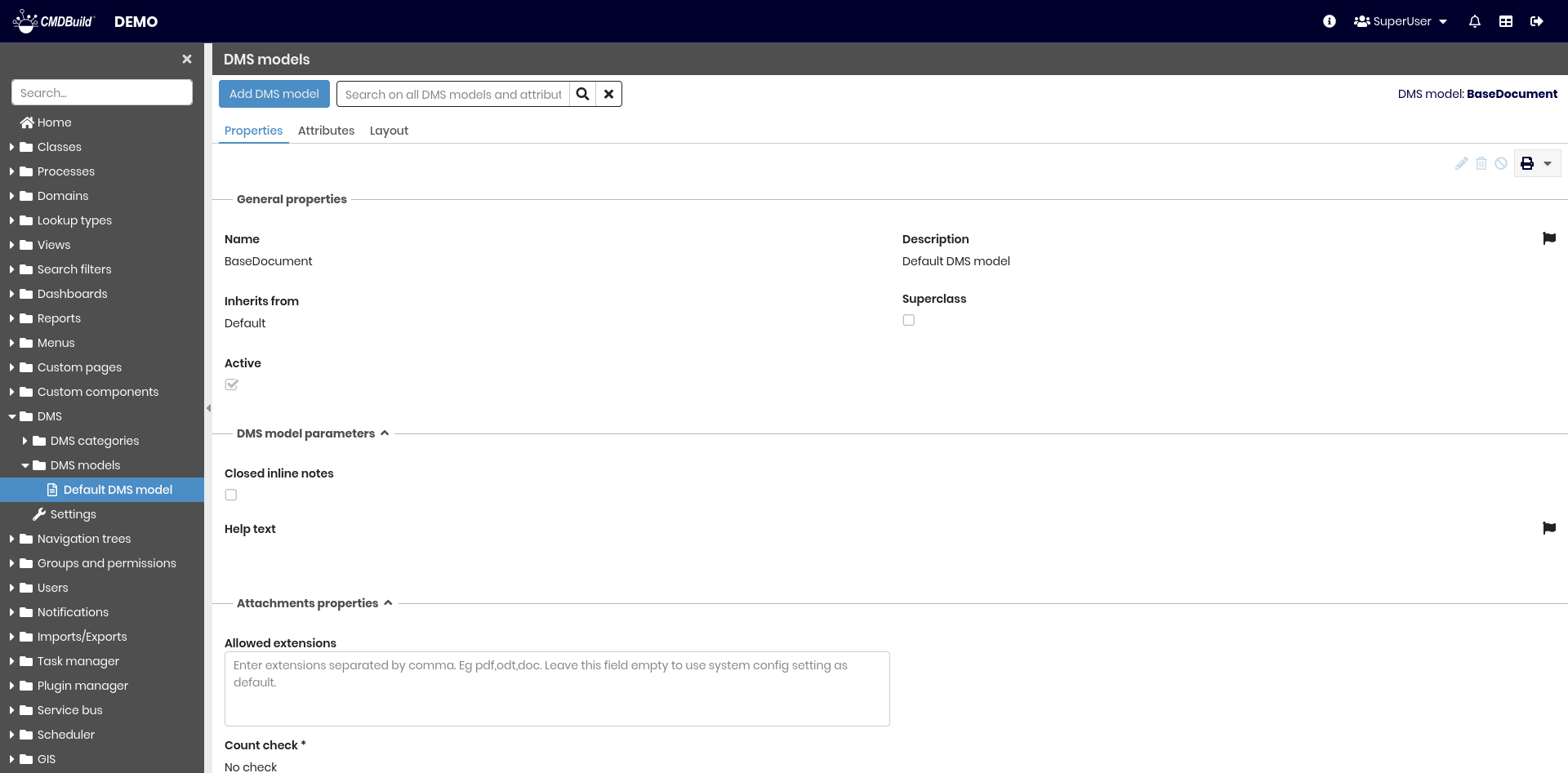
Available operations include:
- adding a new DMS model
- searching among configured models and their attributes
- editing a DMS model
- deleting a DMS model (physical deletion if empty, otherwise logical)
- disabling a DMS model
- printing model details
Each DMS model includes a set of properties similar to class properties, except for the fields in the Attachments properties section.
Attachments Properties
This section allows configuring metadata and behaviours specific to the DMS model:
- Allowed extensions: permitted file extensions for attachments associated with this model
- Count check: number‑based validation applied to attachments of this model:
- No check
- At least number: minimum number of attachments
- Exactly number: exact number of attachments
- Max number: maximum number of attachments
- Max file size: maximum allowed file size
Attributes Tab
Attribute management follows the same logic used for class attributes.
Layout Tab
Layout configuration follows the same logic used for class layouts.
DMS Categories
DMS categories allow defining document categories that can be assigned to one or more CMDBuild classes. Each category can be enriched with metadata (through DMS models) and other behaviours.
Properties Tab
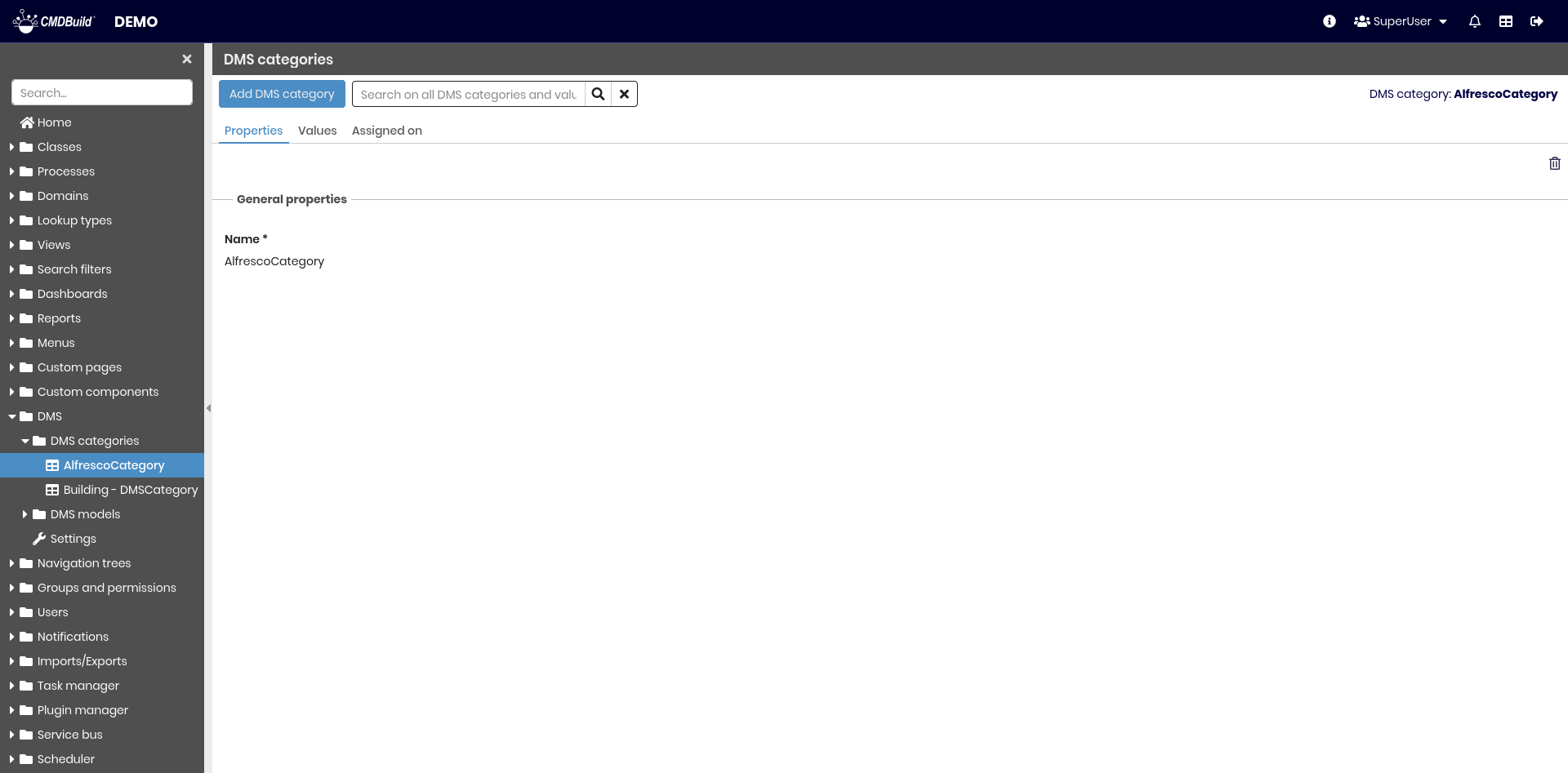
Management is similar to lookup lists, except for the Attachments properties fieldset in category values.
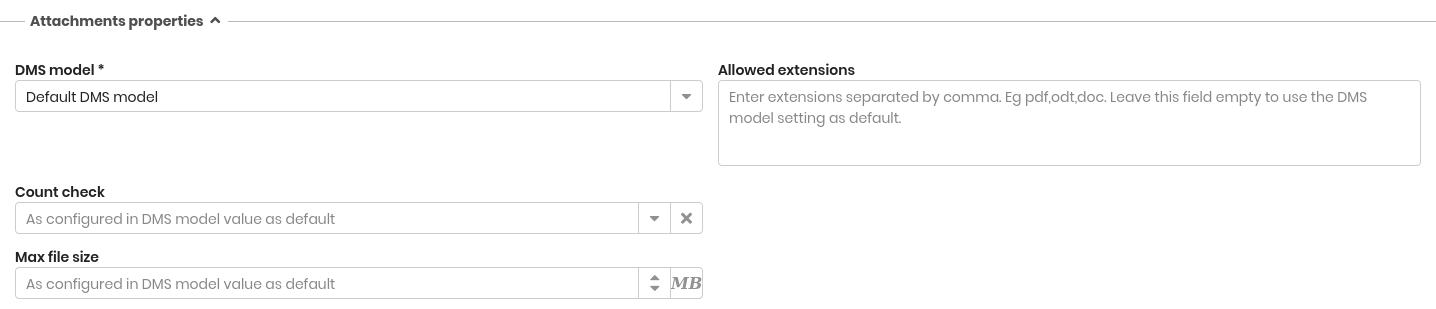
Attachments Properties
The following properties can be configured:
- Allowed extensions: permitted extensions for files uploaded for this category
- Count check:
- No check
- At least number
- Exactly number
- Max number
- Max file size: maximum file size allowed
Assigned On Tab
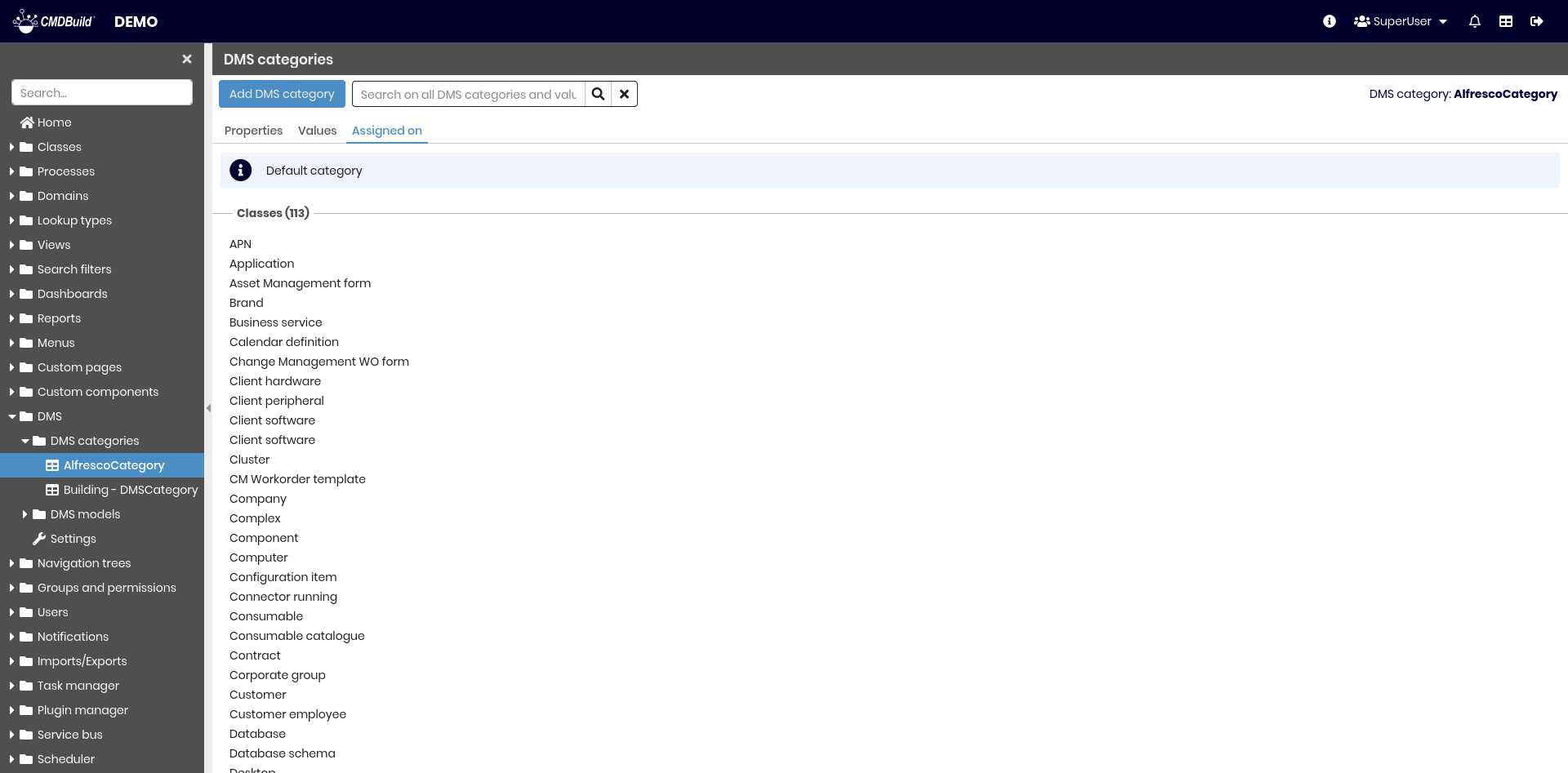
This section shows which classes and processes are assigned to the category.
Settings
This section allows configuring global DMS settings.
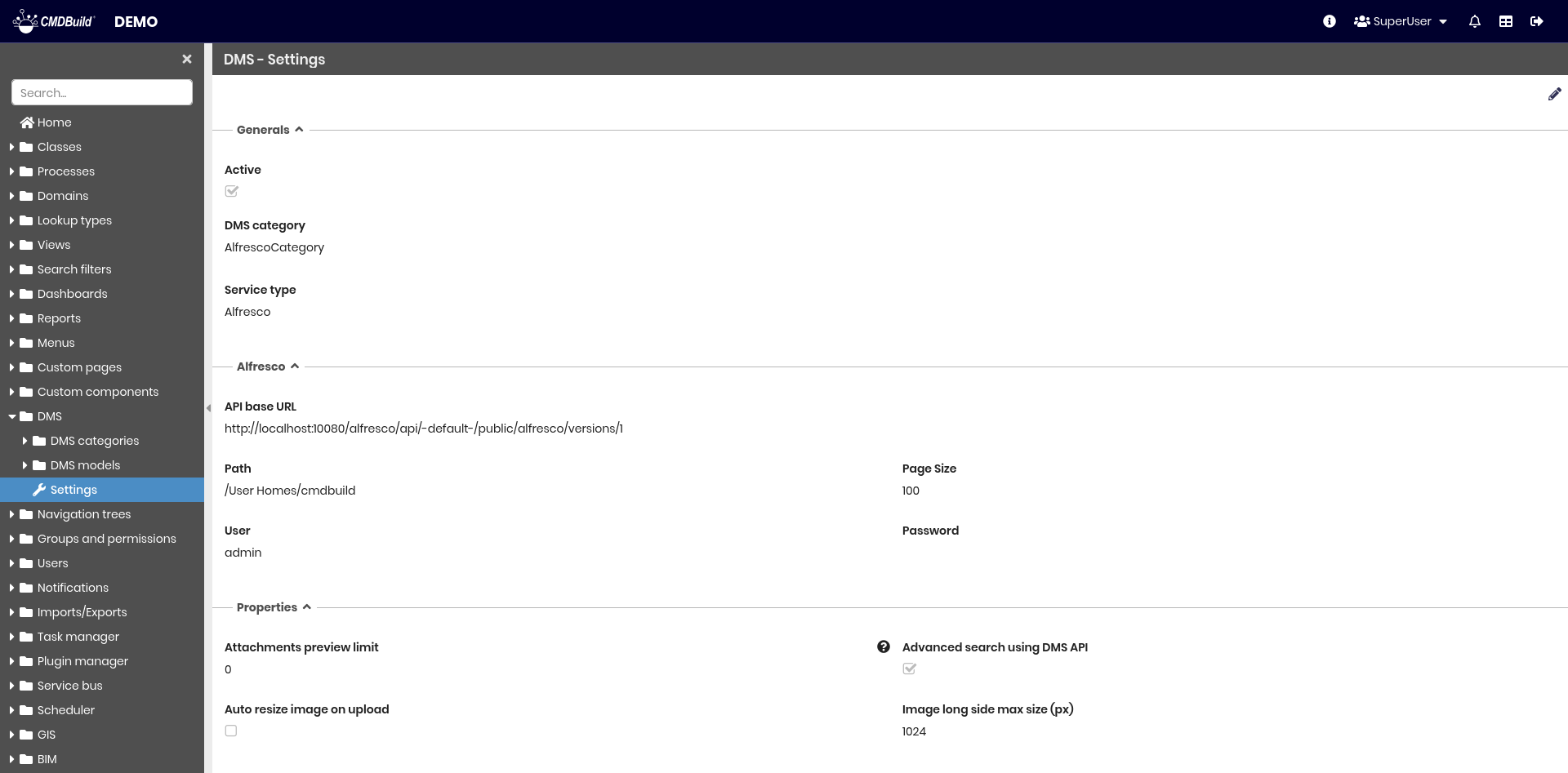
General
The following properties are available:
- Active: enables or disables CMDBuild’s DMS integration
- DMS category: default category to be used
- Service type: DMS service to be used:
- Alfresco
- Microsoft SharePoint
- custom plugin

DMS Properties
This section allows configuring the parameters required by the selected DMS service.
Properties
The following global attachment settings are available:
- Attachments preview limit: maximum number of attachments that can display a preview (0 = no limit)
- Advanced search using DMS API: enables document search through the DMS APIs; may be slower depending on the DMS
- Auto resize image on upload: automatically resizes images on upload
- Image long side max size (px): maximum size of the longest side when resizing images

Attachments Validation
This section allows defining global validation rules for uploaded attachments. These rules are overridden by configurations defined in DMS Models or DMS Categories.
- Max size: maximum file size in MB
- Allowed extensions for attachments uploaded from the user interface list of allowed extensions separated by comma (eg. pdf,odt,csv)
- Allowed extensions for incoming emails list of allowed extensions separated by comma (eg. pdf,odt,csv)