Search Filters
Search filters allow operators in the Management Module to display only the cards of a class that match specific criteria.
Filters can be created and used directly by operators during their activities or saved for later use, as described in the User Manual.
Administrators can also configure filters in the Administration Module and make them available to users.
Properties
This function allows creating new filters and editing existing ones.
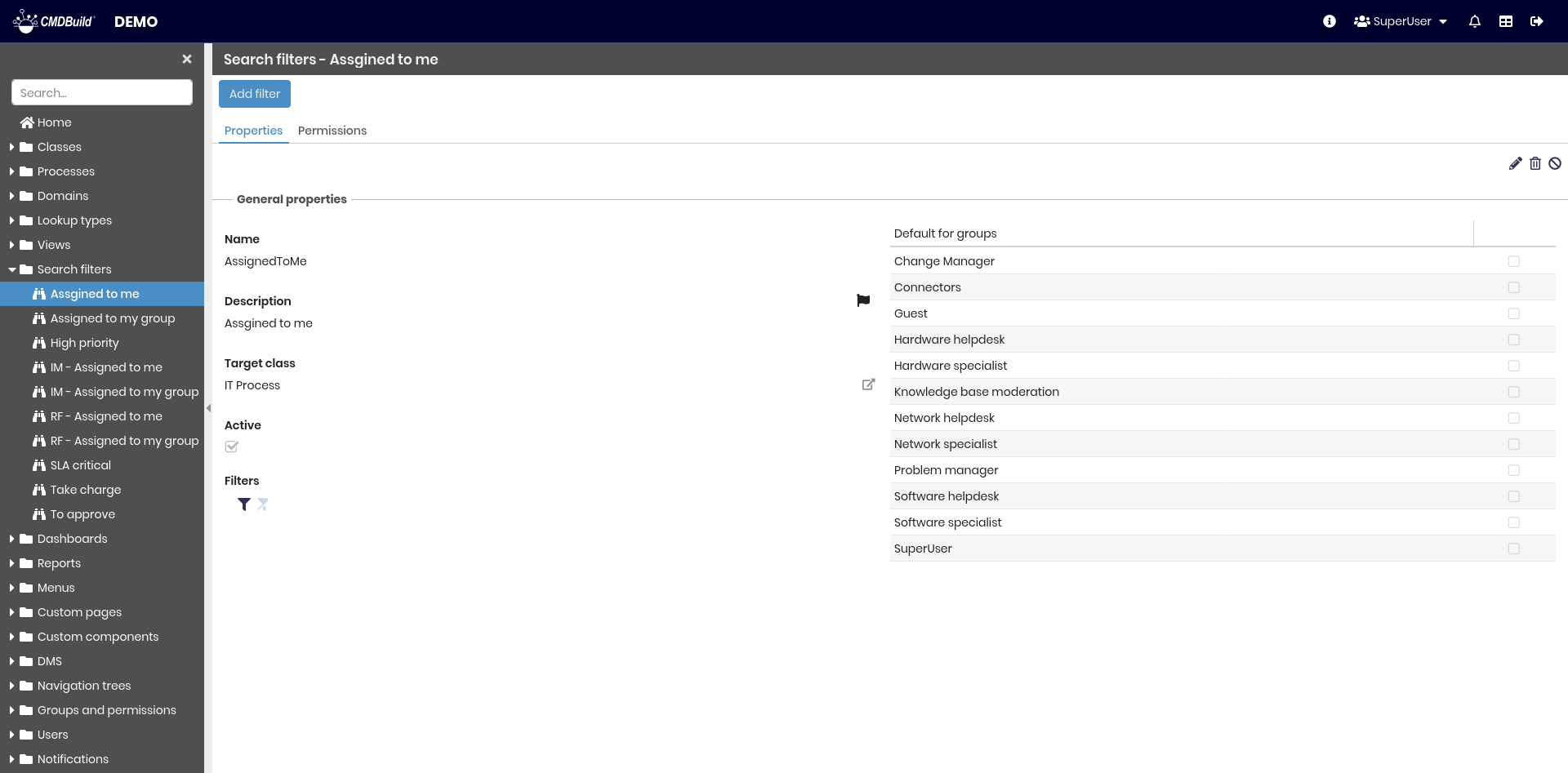
The available operations include:
- creating a new filter
- searching among existing filters
- editing a filter
- deleting a filter
- disabling a filter (marking it as inactive)
A search filter cannot be used unless access permissions are defined, specifying which user groups are allowed to use it. This configuration must be performed in the relative section.
Each filter requires several metadata parameters.
General Properties
The following information is required:
- Name: filter name
- Description: filter description
- Target class: class to which the filter is applied
- Default for groups: specifies whether the filter is applied by default to the target class for selected user groups (see also the “Default filters” tab in Users and Groups)
- Active: enables or disables the filter
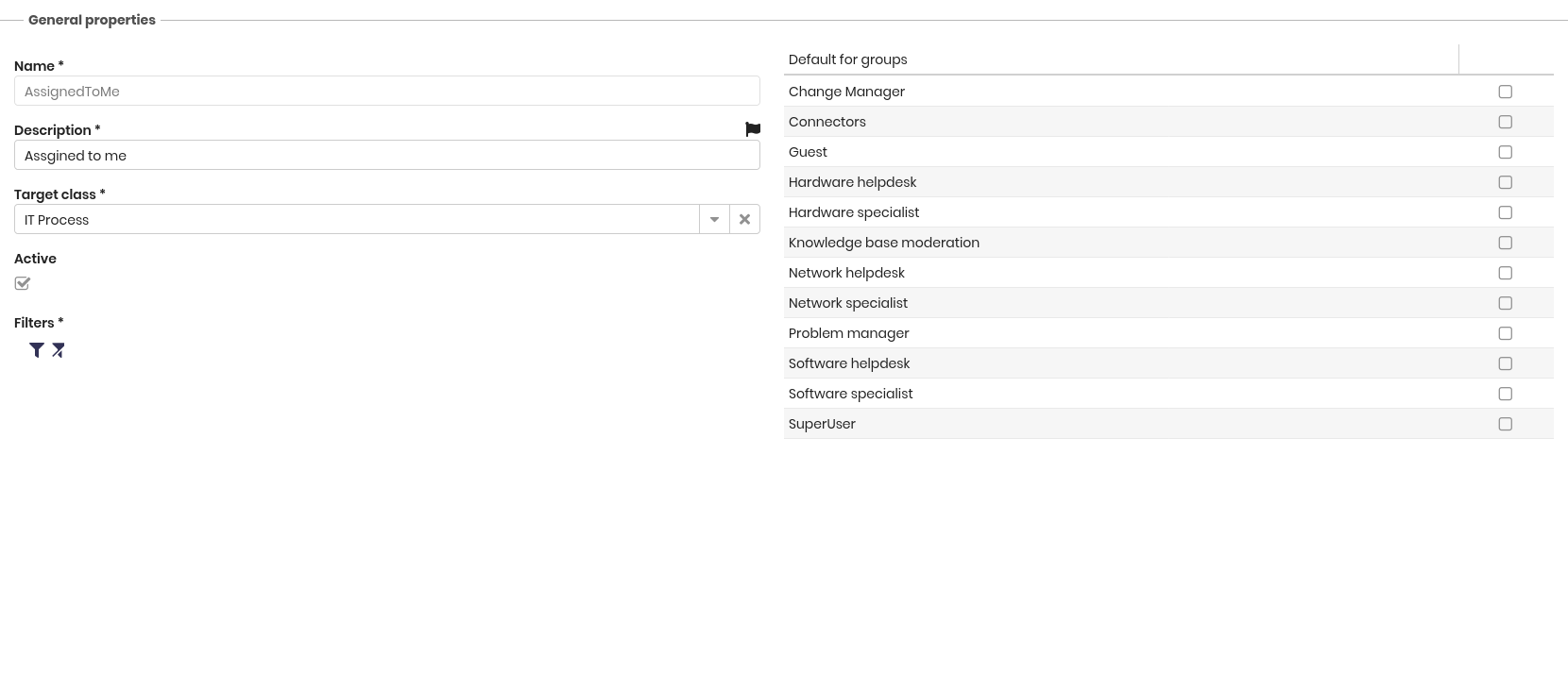
This form includes the following icons:
- configuration of filter criteria
- filter removal
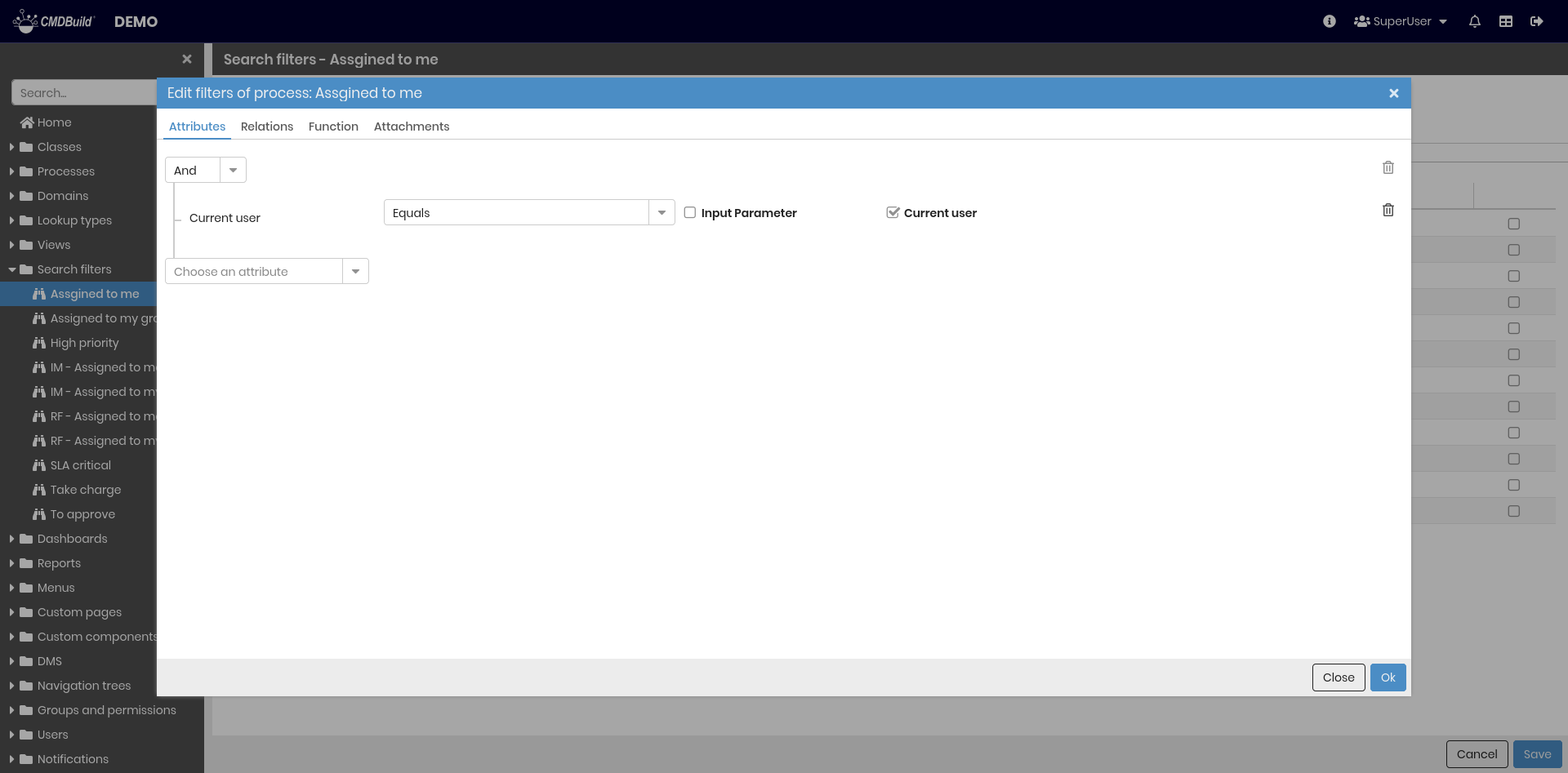
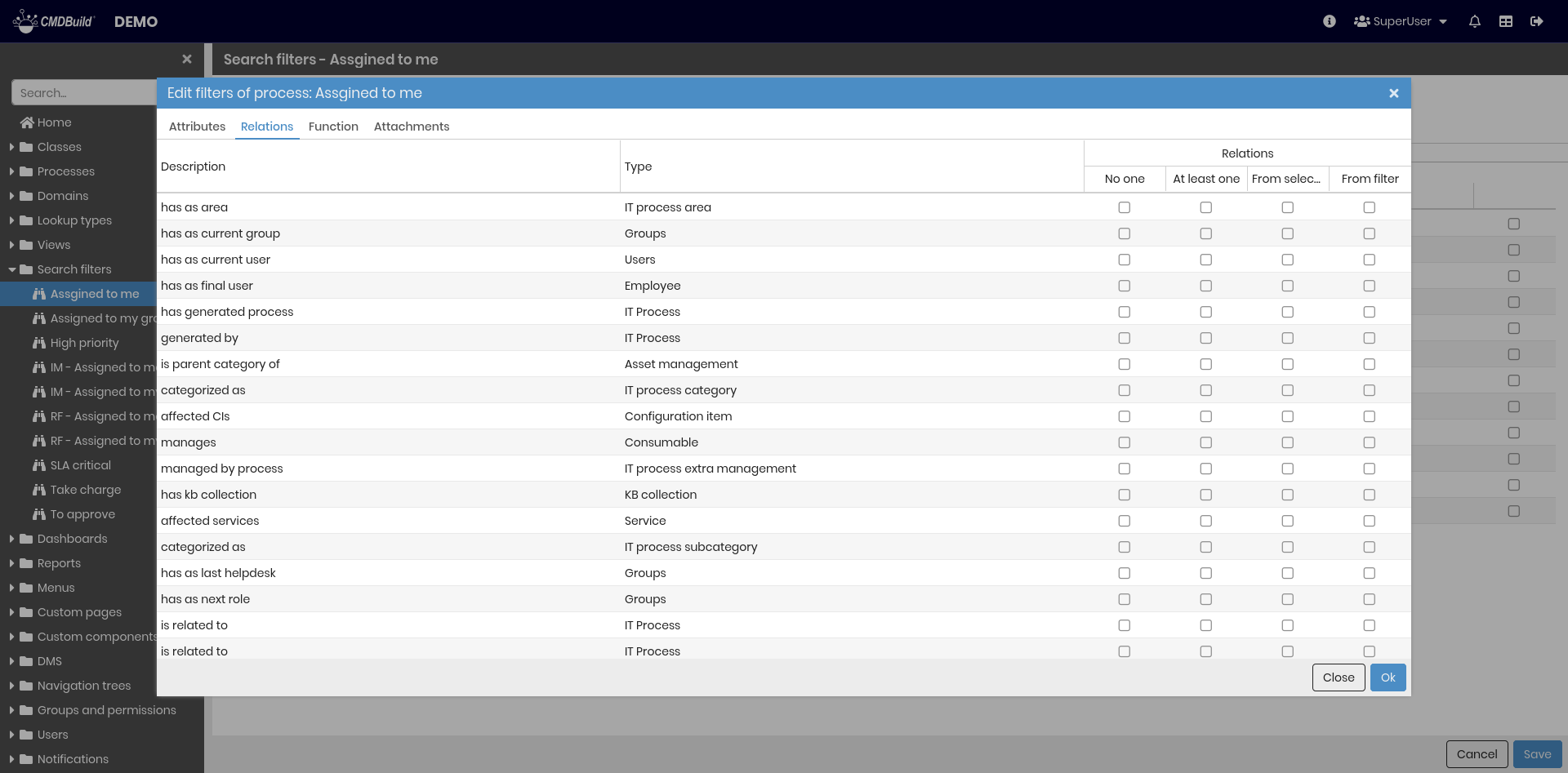
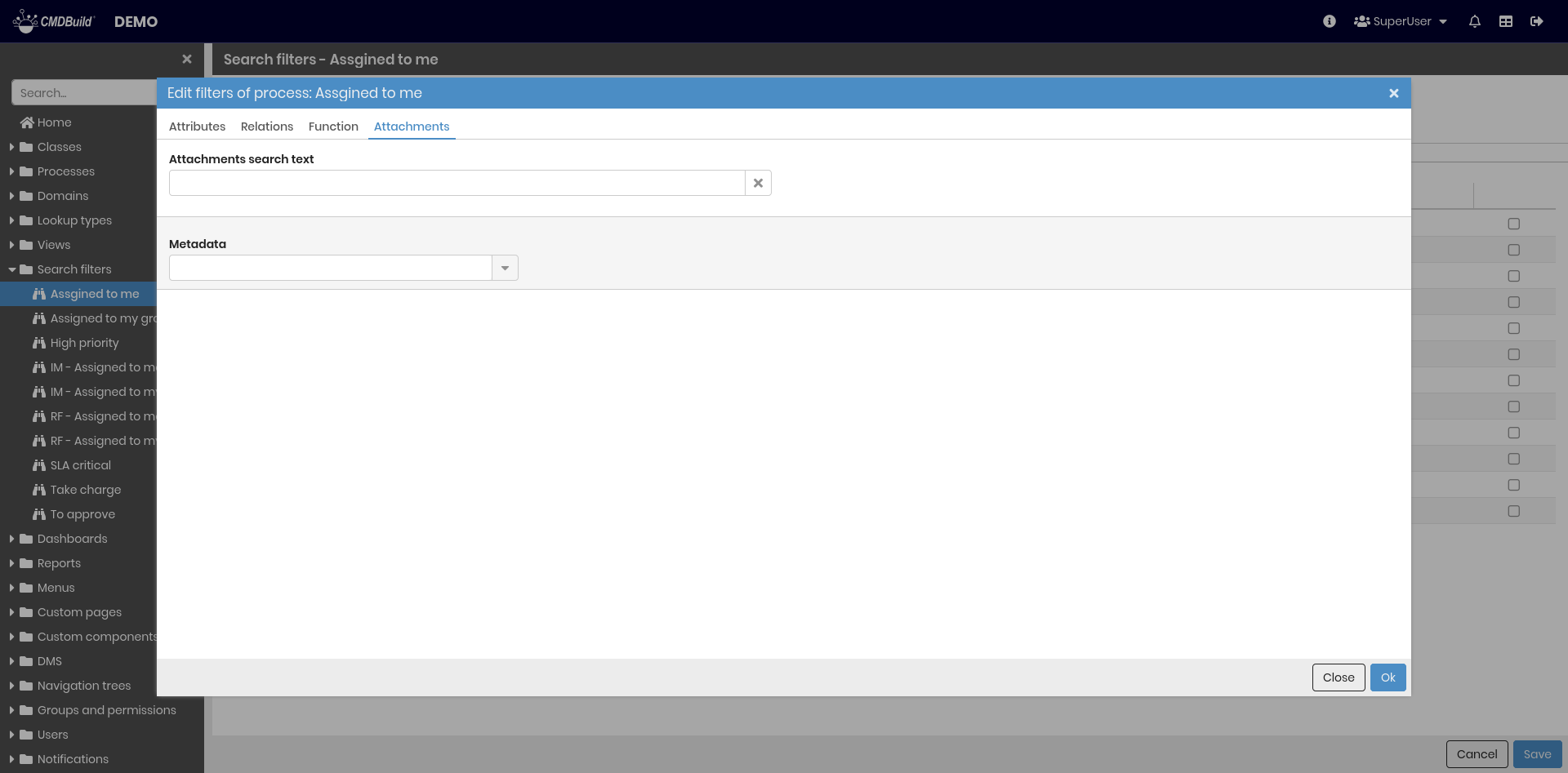
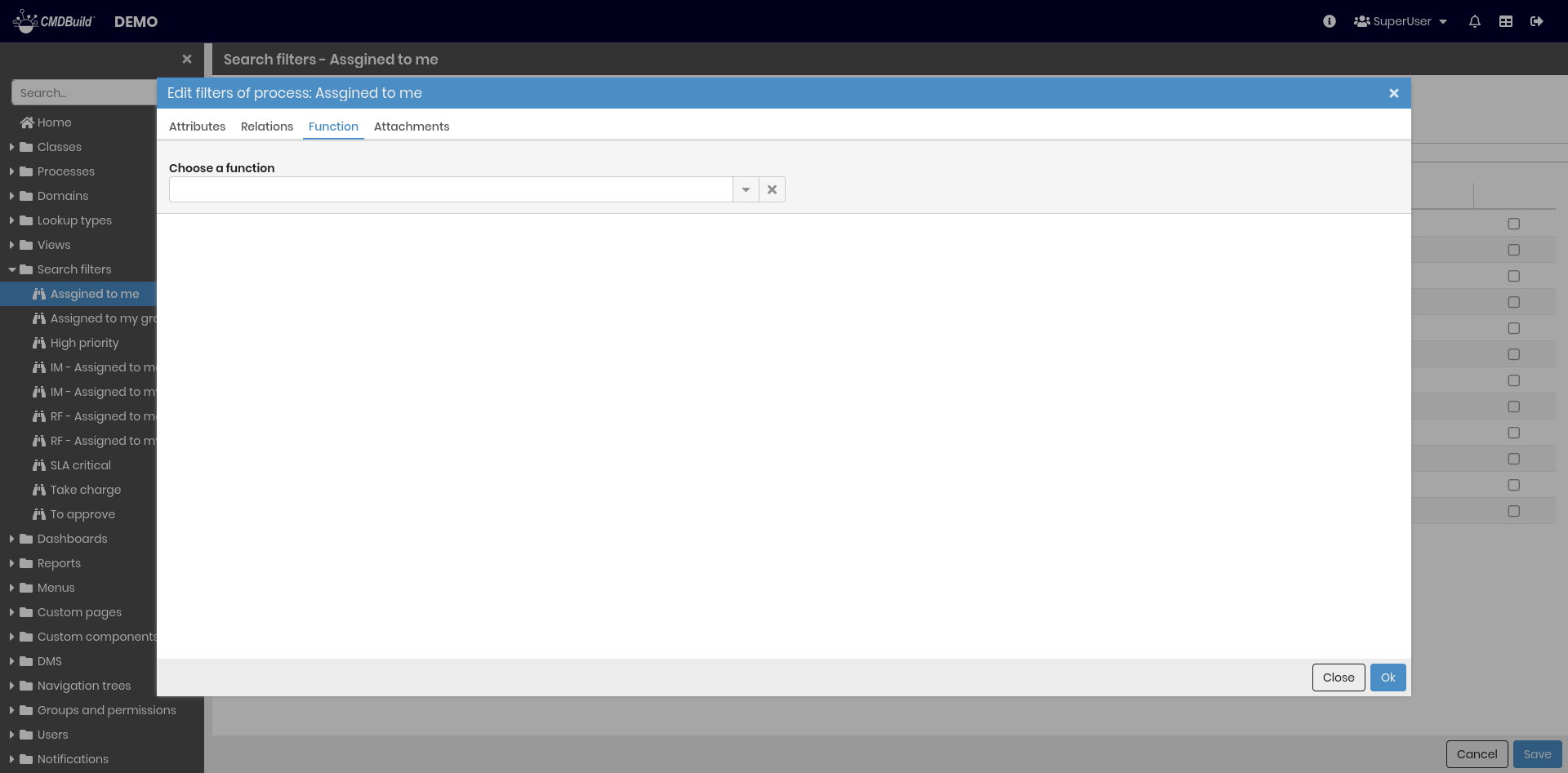
The following screenshots illustrate the user interface for configuring different types of search filters:
- attribute‑based filters
- relation‑based filters
- filters using SQL functions
- filters on attachments, including full‑text search within documents (if allowed) and search on document metadata
Permissions Tab
This section allows configuring permissions on the current filter for specific user groups.
Permissions determine which operations each group can perform on the class and its data.
For details on permission management, refer to the relative section.