Processes
A process (or workflow) is a sequence of activities, each performed by operators with specific roles. Every activity represents a step required to reach a defined objective.
In CMDBuild, the Administration Module allows configuring the data structure used by the workflow for information persistence. The workflow flow itself is designed using the TWE visual editor.
In the Management Module, operators are provided with the forms required to advance the process through its various steps.
Properties Tab
The Properties tab allows creating new processes and editing existing ones.
The configuration of a process data structure follows the same logic used for classes.
This section highlights the specific features of processes, including the differences from standard classes and the configuration options unique to workflows.
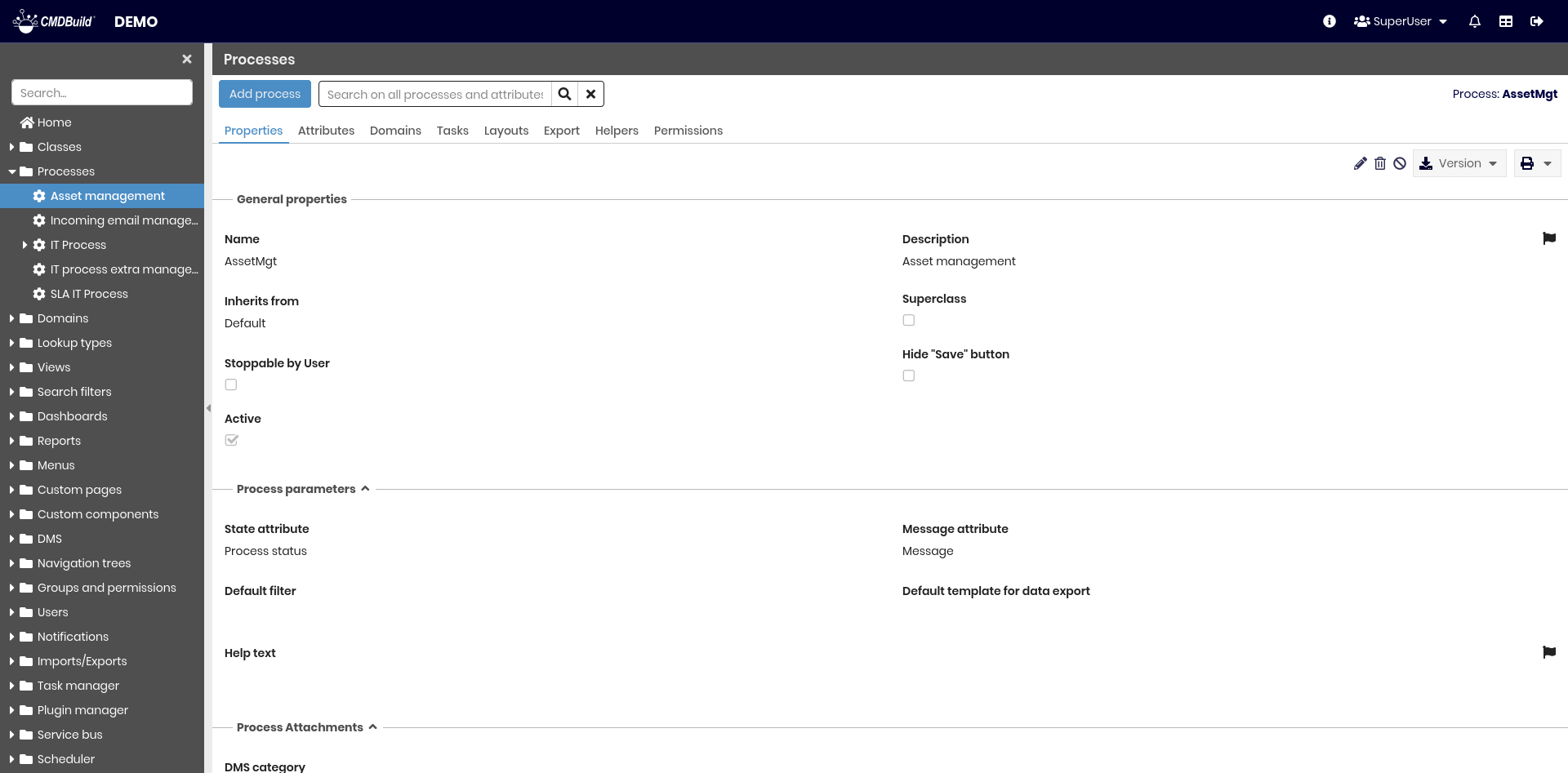
All operations available for classes can also be performed on processes. Additionally, the following operation is available:
- downloading the XPDL file in the chosen version
This operation exports an XPDL template that can be edited using the external TWE editor.
The exported file includes:
- process name
- list of process attributes
- list of user groups defined in CMDBuild, from which process actors can be selected
- data type information for custom Lookup, LookupArray and Reference attributes used in process scripts
Process configuration includes several metadata sections.
General Properties
The following additional parameters are available for processes:
- Stoppable by user: if enabled, an additional button is displayed to allow the user to interrupt the process (regardless of its current state)
- Hide "Save" button: hides the button used to save the process status before proceeding to the next step
The following option used for classes is not available for processes:
- Type, which in classes can be Standard or Simple

XPDL File
This section allows importing an XPDL descriptor created using the external TWE (Together Workflow Editor).

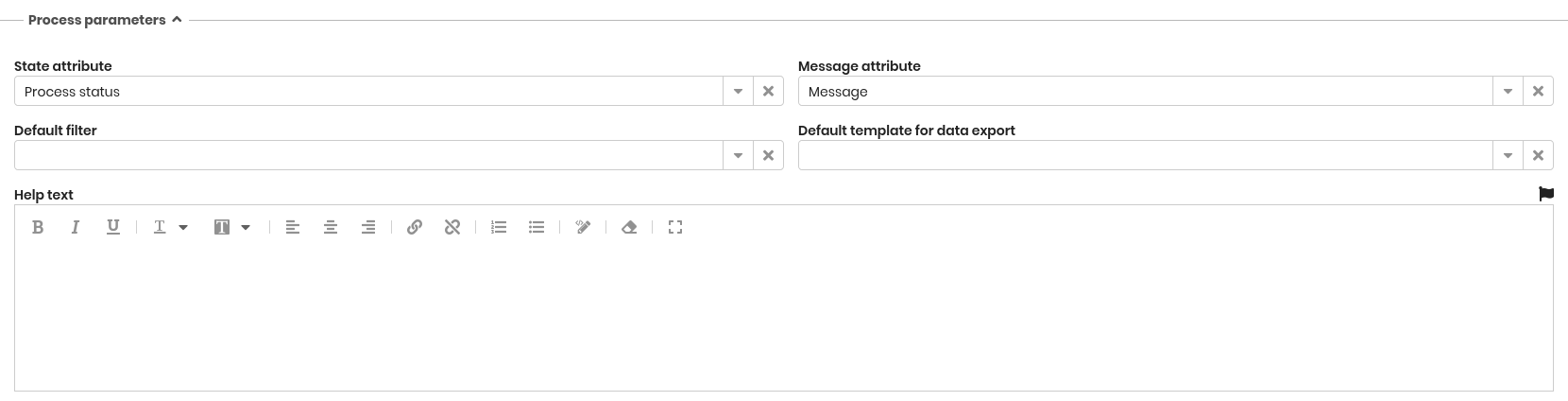
Other Process Parameters
Additional configuration options include:
- State attribute: specifies which process attribute (of type Lookup) displays the graphical representation of the process state in the Management Module
- Message attribute: specifies which attribute is used to display error messages, shown below the process state
- Default filter: selects the default filter applied to the list of process instances
- Default template for export: specifies the default template used to export process data
- Help text: defines help content displayed to operators in the Management Module
The process instance form also includes information related to the workflow engine.
Starting from CMDBuild 3.4, the execution engine is River.
Other Sections
The following sections are available and function similarly to those configured for classes:
- Attachments
- Data Organization
- Attribute Grouping
- Form properties
- Contextual Menu
- Content Configuration
The following sections are not available for processes:
- Form trigger
- Form widget
Attributes Tab
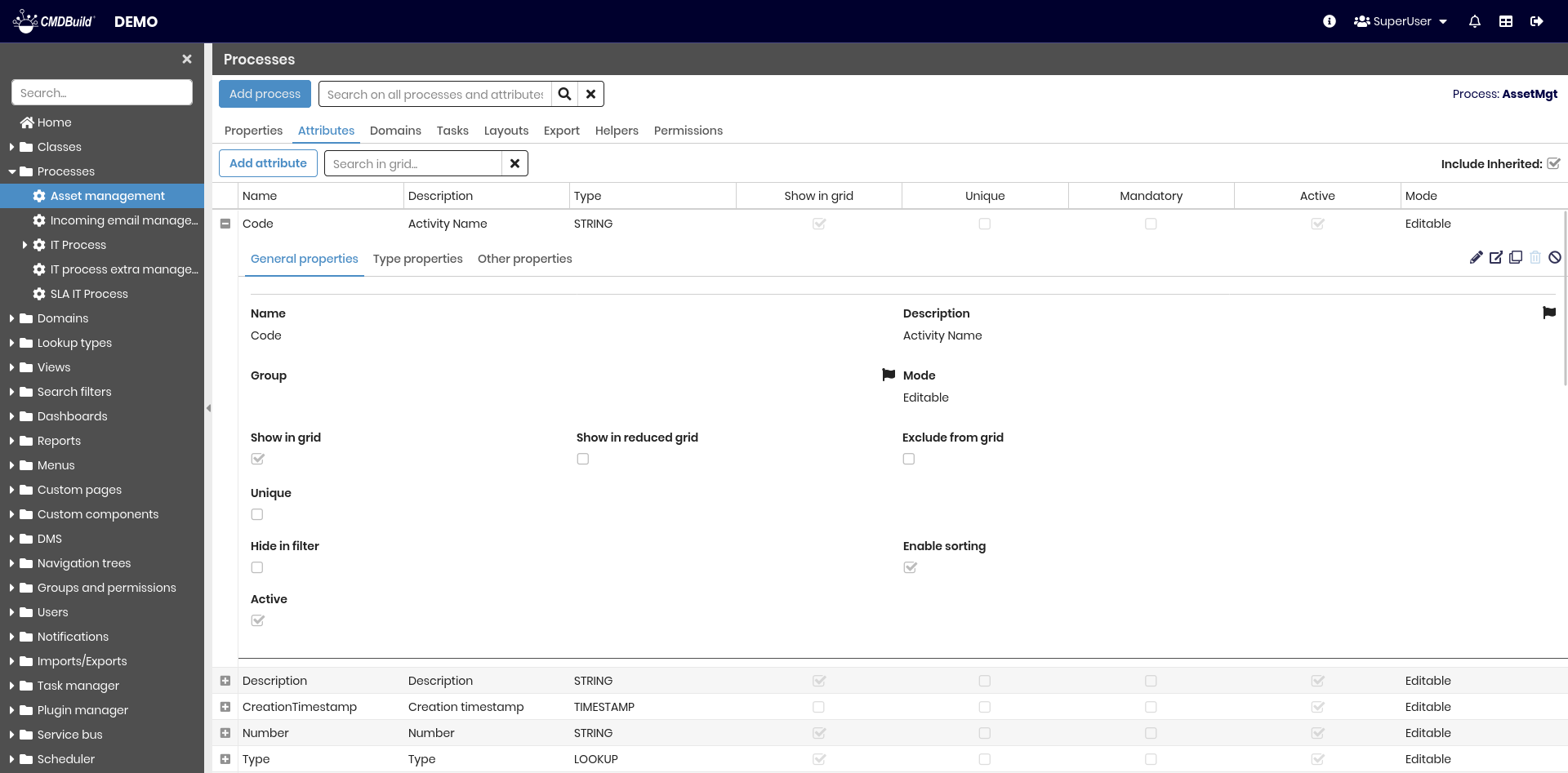
The Attributes tab allows managing the attributes of the selected process.
The configuration options are the same as those used for classes.
For details, refer to the Attributes page.
Task Tab
This tab displays any Tasks already configured to automatically start the process.
New tasks can also be created from this section.
Other Tabs
The information managed in the Domains, Layout and Export tabs is the same as described for classes.
For details, refer to the corresponding sections of this manual.
The Help tab allows defining help text for each step of the process.