Geographic Attributes
This page describes how to configure geographic attributes for a class in CMDBuild. Geographic attributes define how objects are represented on the map and determine their geometry, visual style, visibility rules and interactive behaviour.
They allow associating spatial information such as points, lines or polygons to class cards and provide options for customizing map rendering, enabling clustering, configuring infowindows and controlling where the attribute is visible within the class hierarchy.
The following sections detail all available configuration options.
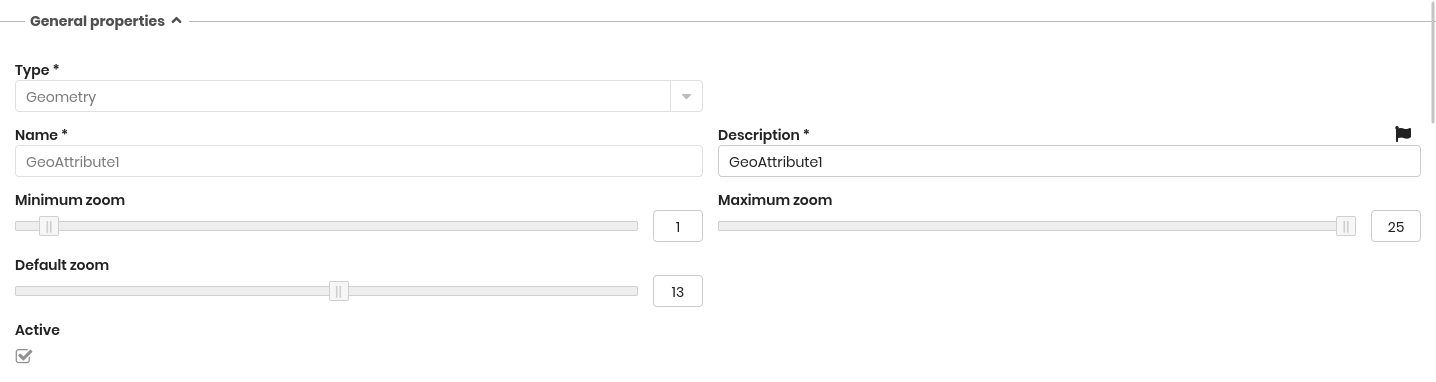
General Properties
The following information is required:
- Type: geometry (point, open polygon, closed polygon) or shape (background file)
- Name: physical name of the attribute (database column)
- Description: the attribute name displayed in the application. This field is localizable by selecting the flag icon, which opens a popup window for translation into the enabled languages
- Minimum zoom: the minimum zoom level required to display the attribute
- Maximum zoom: the maximum zoom level at which the attribute is displayed
- Default zoom: the zoom level applied when the map opens for this attribute
- Active: enables or disables the attribute
Specific Properties
Depending on the attribute type (Line, Point or Polygon), additional configuration options are provided.
Line attributes
For line attributes, the following style properties can be configured:
- Stroke dashstyle: dot, dash, dashdot, longdash, longdashdot or solid
- Stroke color
- Stroke opacity
- Stroke width: from 1 to 10
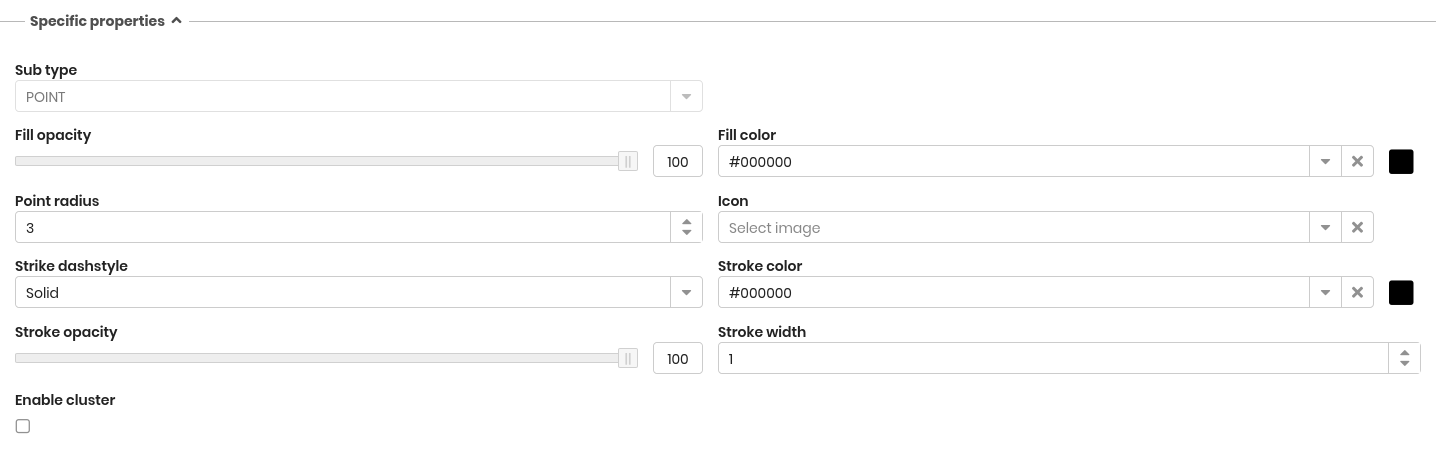
Point attributes
For point attributes, the following style properties are available:
- Fill opacity
- Fill color
- Point radius: defines the size of the symbol
- Icon: the icon used to represent the point on the map (icons must be uploaded through the GIS pages)
- Stroke dashstyle: dot, dash, dashdot, longdash, longdashdot or solid
- Stroke color
- Stroke opacity
- Stroke width: from 1 to 10
- Enable cluster
- Cluster distance
Polygon attributes
For polygon attributes, the following style properties can be configured:
- Fill type: selects the fill mode, either Solid or Pattern
- Fill pattern: visible only when the fill type is Pattern
- Fill opacity
- Fill color
- Stroke dashstyle: dot, dash, dashdot, longdash, longdashdot or solid
- Stroke color
- Stroke opacity
- Stroke width: from 1 to 10
Infowindows
Infowindows allow displaying a box containing text and/or images when a geographic element is selected on the map.
The available options include:
- Enabled: activates the infowindow
- Images: selects a File-type attribute used to provide the image content
- Content: text displayed in the infowindow, written using CQL (CMDBuild templating language)

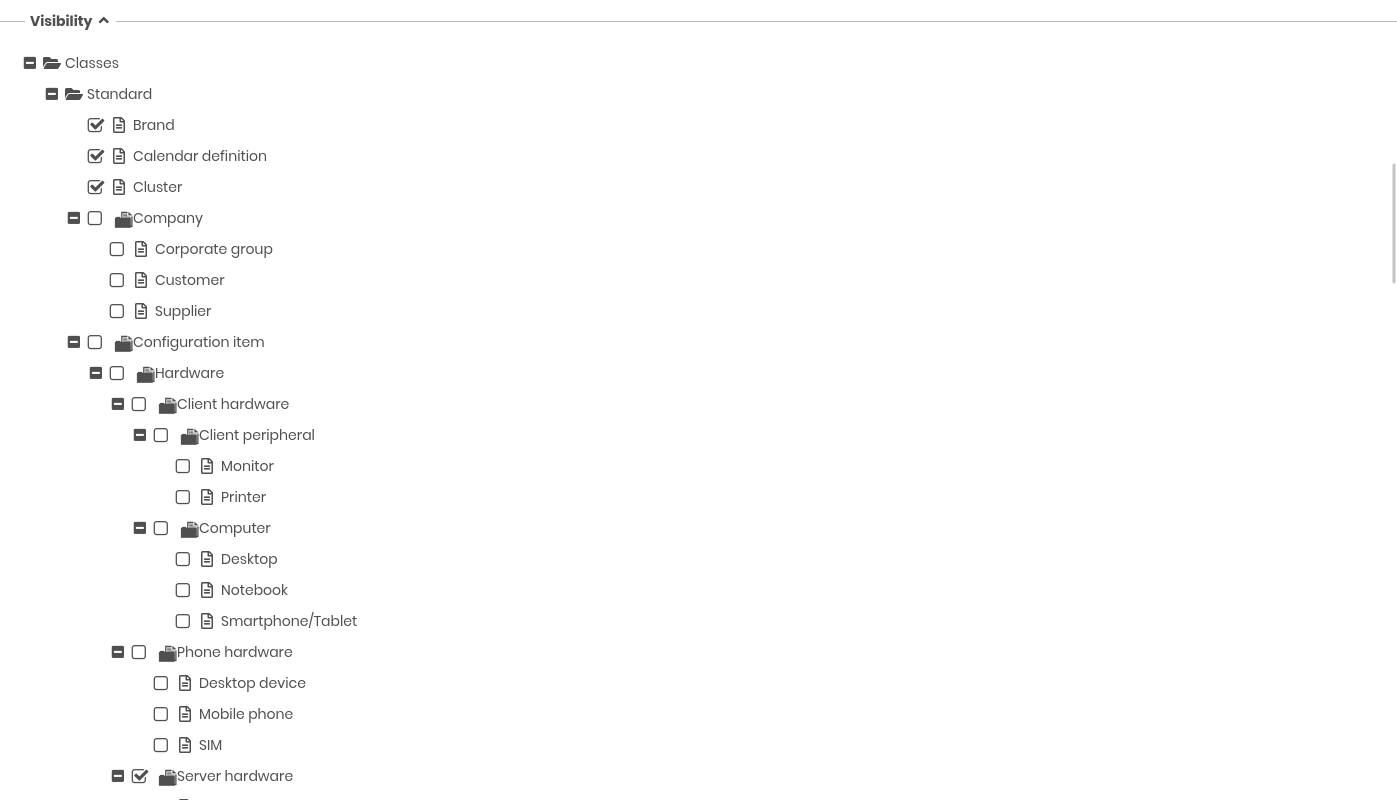
Visibility
This section shows a hierarchical representation of the classes configured in the system.
It allows specifying in which classes the current geographic attribute must be visible, based on inheritance levels (superclasses, subclasses, etc.).