Scheduler
The Scheduler helps operators manage procedures related to time-based activities, such as contracts with customers and suppliers, orders, certifications, warranties, and recurring operations on assets.
Deadlines can be generated automatically by the system when creating new data cards that include attributes marked as deadline. They can also be added manually to the Scheduling file.
In the automatic case, the Administration module allows you to define generation criteria associated with any Data attribute of any class, specifying which attributes can be displayed or edited by operators.
Rule definition
This function allows you to create new rules for deadline generation and to edit existing ones.
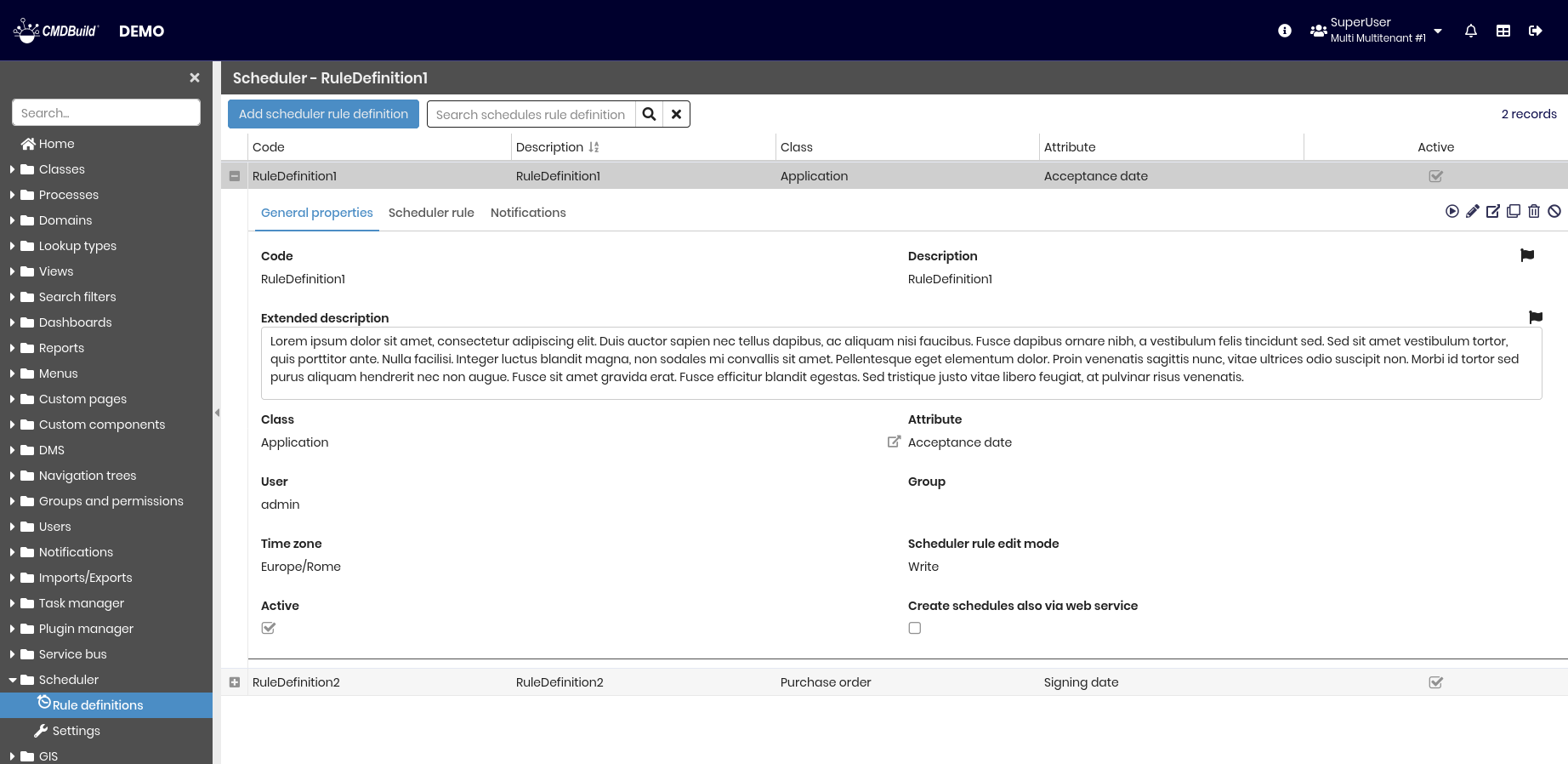
The following operations are available:
-
Top bar:
- Add a new deadline generation rule
- Search among existing rules
-
Single row actions
- Apply the rule to already existing cards
- Edit the selected rule
- View detailed information for the selected rule
- Clone the selected rule
- Delete the selected rule
- Enable or disable the selected rule
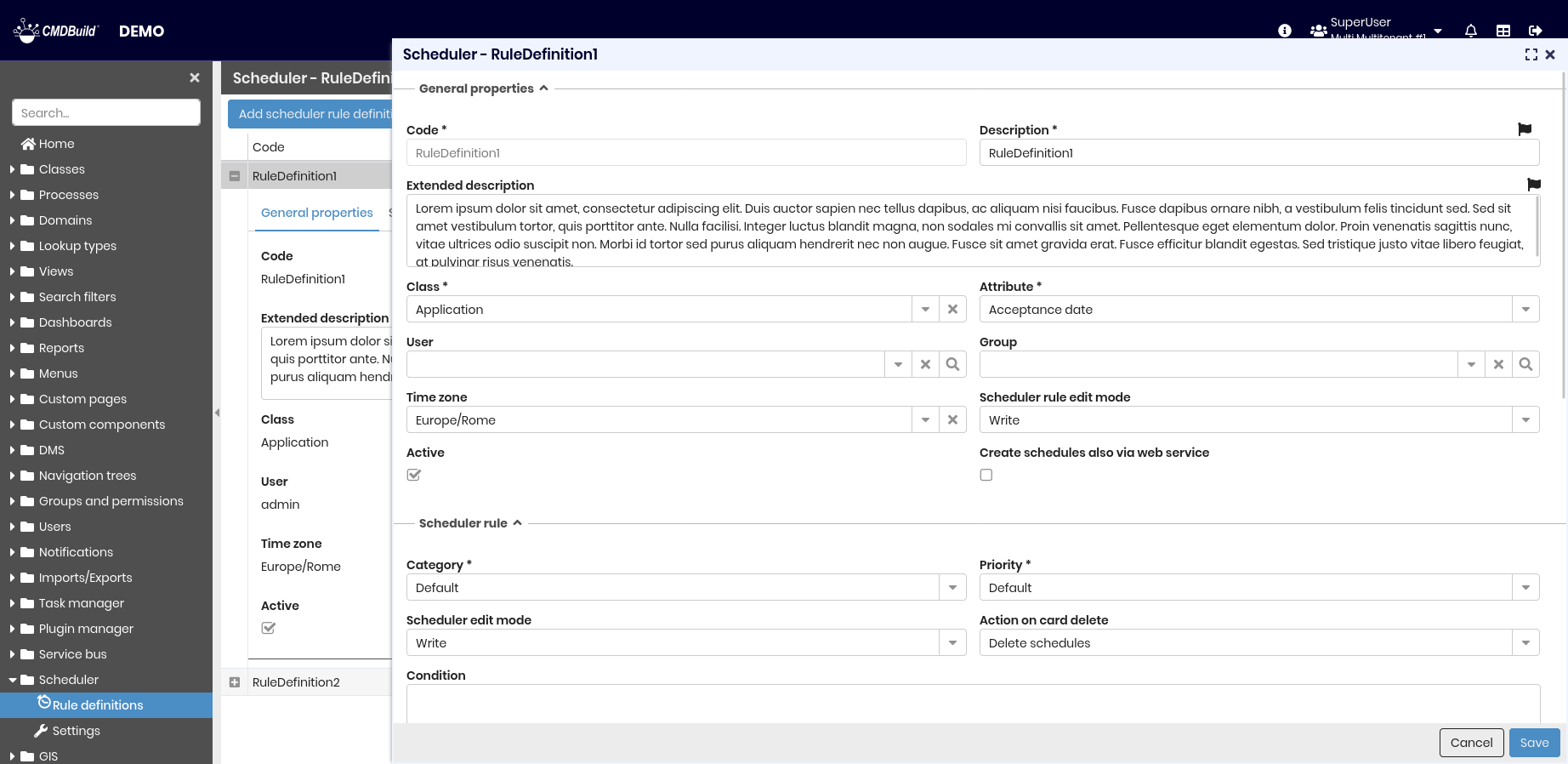
Each deadline generation rule requires a set of parameters described in the following sections.
General properties
The following information is required.
- Code
- Description
- Extended description
- Class — the class that contains the Data attributes to be marked as Expiration
- Attribute — the attribute that generates the expiration according to the defined rules
- User — if specified, the expiration visibility is limited to that user
- Group — if specified, the expiration visibility is limited to that group
- Time zone — the time zone used for expiration generation and notifications
- Scheduler rule edit mode — defines how operators can interact with expirations generated when inserting data cards:
- Hidden — the expiration is generated without operator intervention
- Read — the operator can only view the parameters that generate the expiration
- Write — the operator can also edit the parameters that generate the expiration
- Active — indicates whether the rule is active
- Creates deadlines also via webservice — automatically executes the rule when operating via webservice
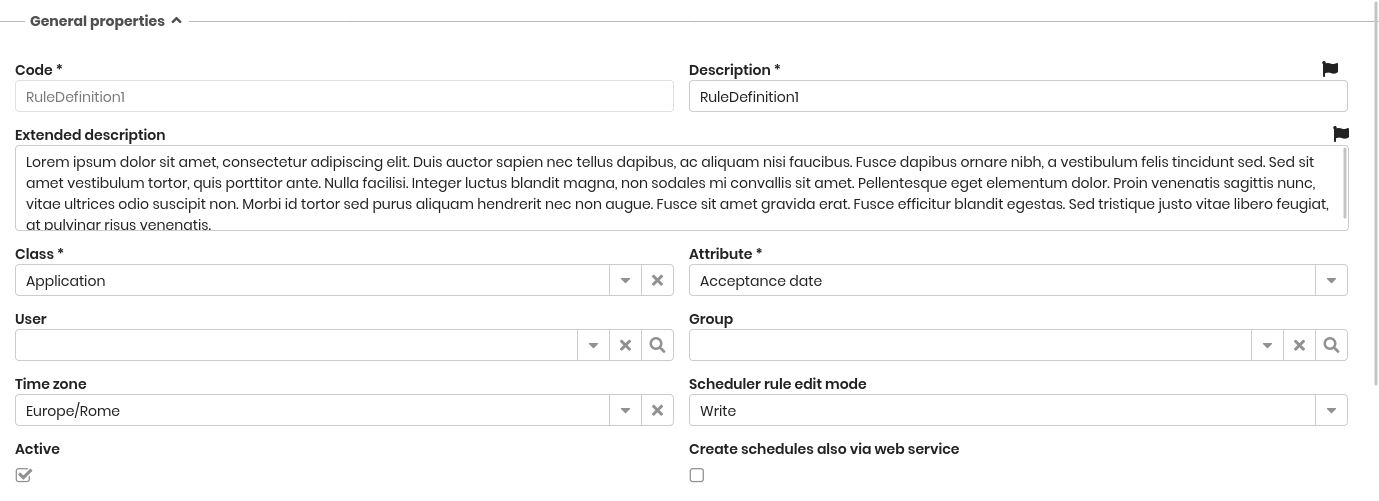
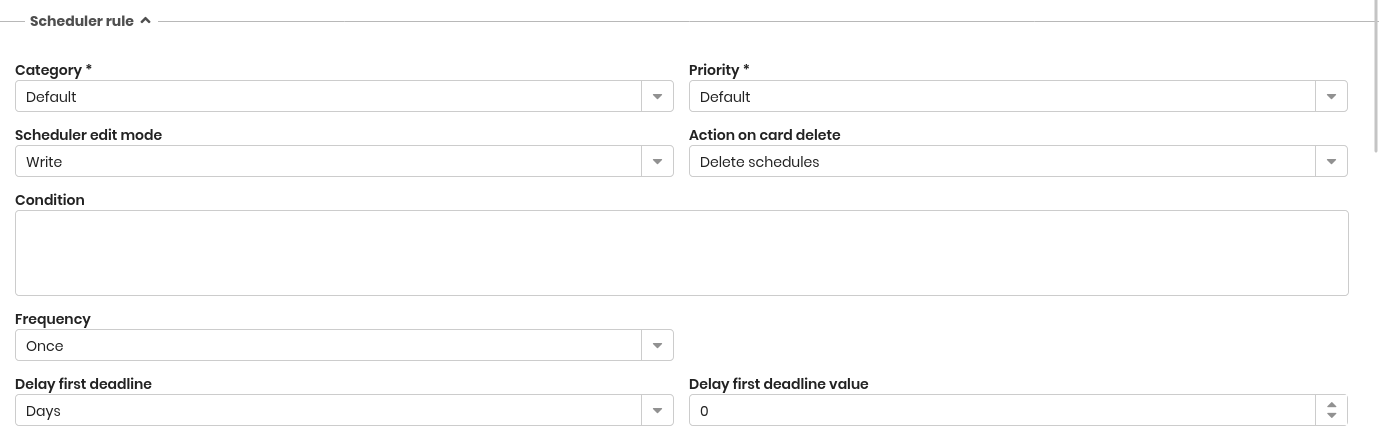
Scheduler rule
The following information is required.
- Category — classification of the expiration. Values can be customized through a lookup list
- Priority — priority assigned to the expiration. Values can be customized through a lookup list
- Scheduler edit mode — behavior during insertion or modification of a data card that generates expirations:
- Hidden — generated expirations are not shown to the operator
- Read — generated expirations are shown in read-only mode
- Write — generated expirations can be modified by the operator
- Action on card delete
- Keep schedules — unlinks the expiration from the related data card
- Delete schedules — deletes the expiration
- Condition — the expiration is generated only if the specified condition is satisfied
- Frequency — one of the following values: Once, Daily, Weekly, Monthly, Yearly
- Delay first deadline — unit used to postpone the first deadline: Years, Months, or Days
- Delay first deadline value — number of days, months, or years of postponement
Notifications
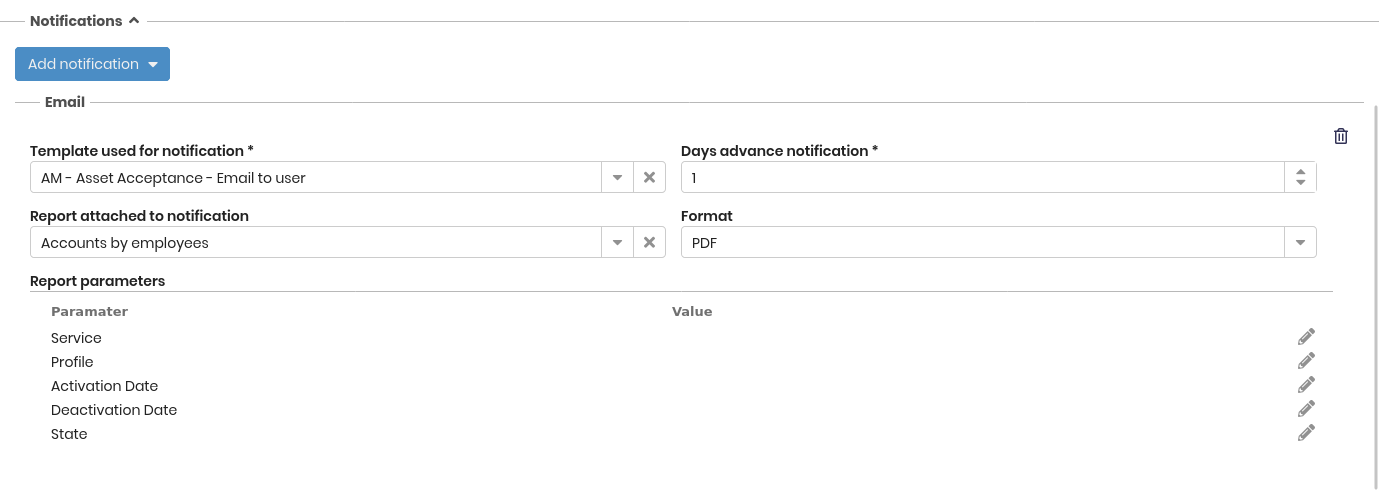
This section allows you to configure notifications sent when an expiration is generated. Three notification types are supported: email, in-app, and mobile.
The following information is always required:
- Template used for notification — the notification template to use
- Days advance notification — number of days before expiration when the notification is sent. This field is available only after selecting a notification template
The following information is required only for email notifications.
- Report attached to notification — allows attaching a report to the notification email
- Format — report format, PDF or ODT
- Report parameters — parameters passed to the report, if required
Settings
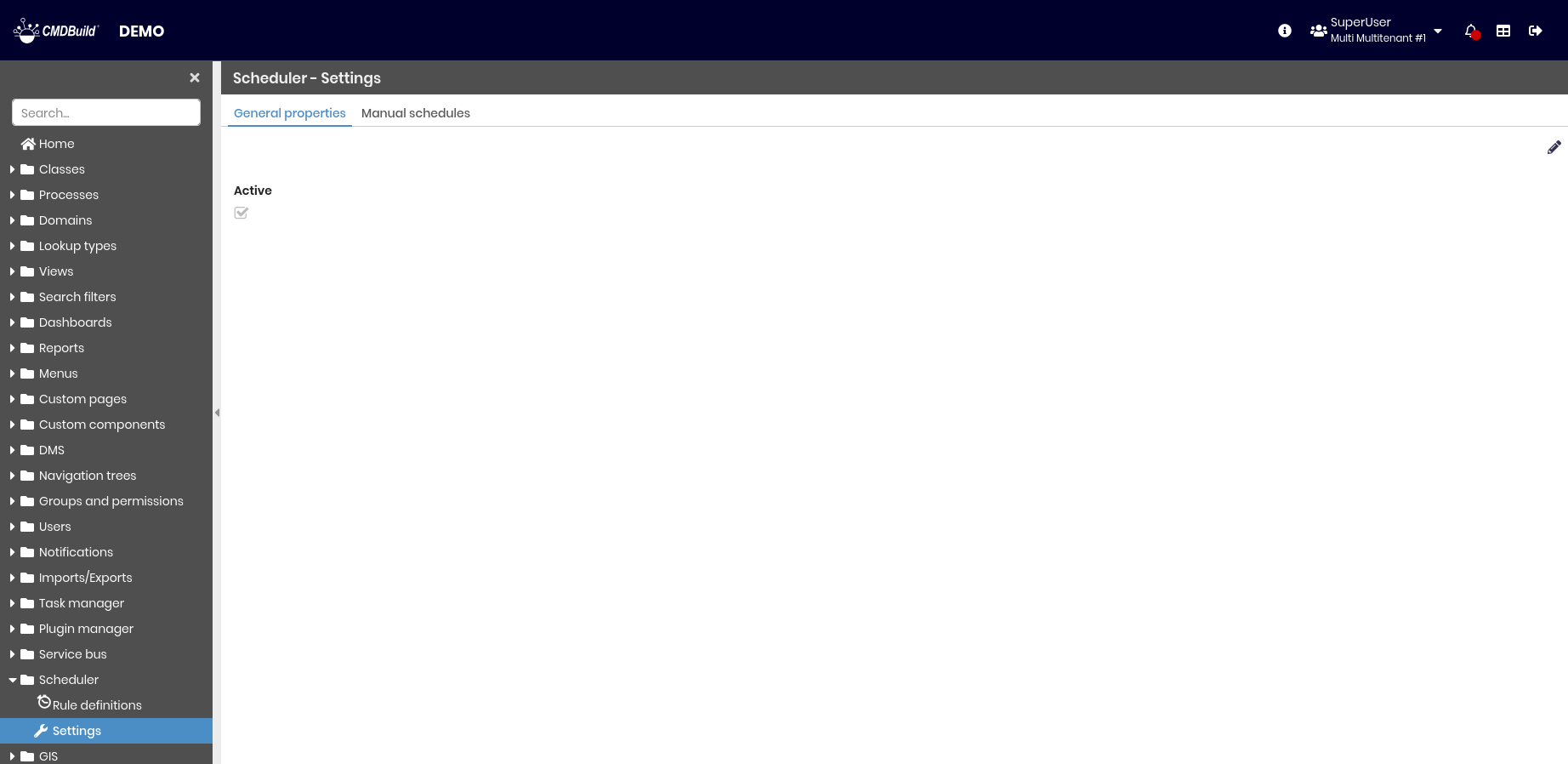
This section allows you to configure all parameters required by the Scheduling file.
It is divided into two tabs:
- General properties
- Manual schedules
General properties
Currently, the only available option is to enable or disable the Scheduling file functionality.
Manual schedules
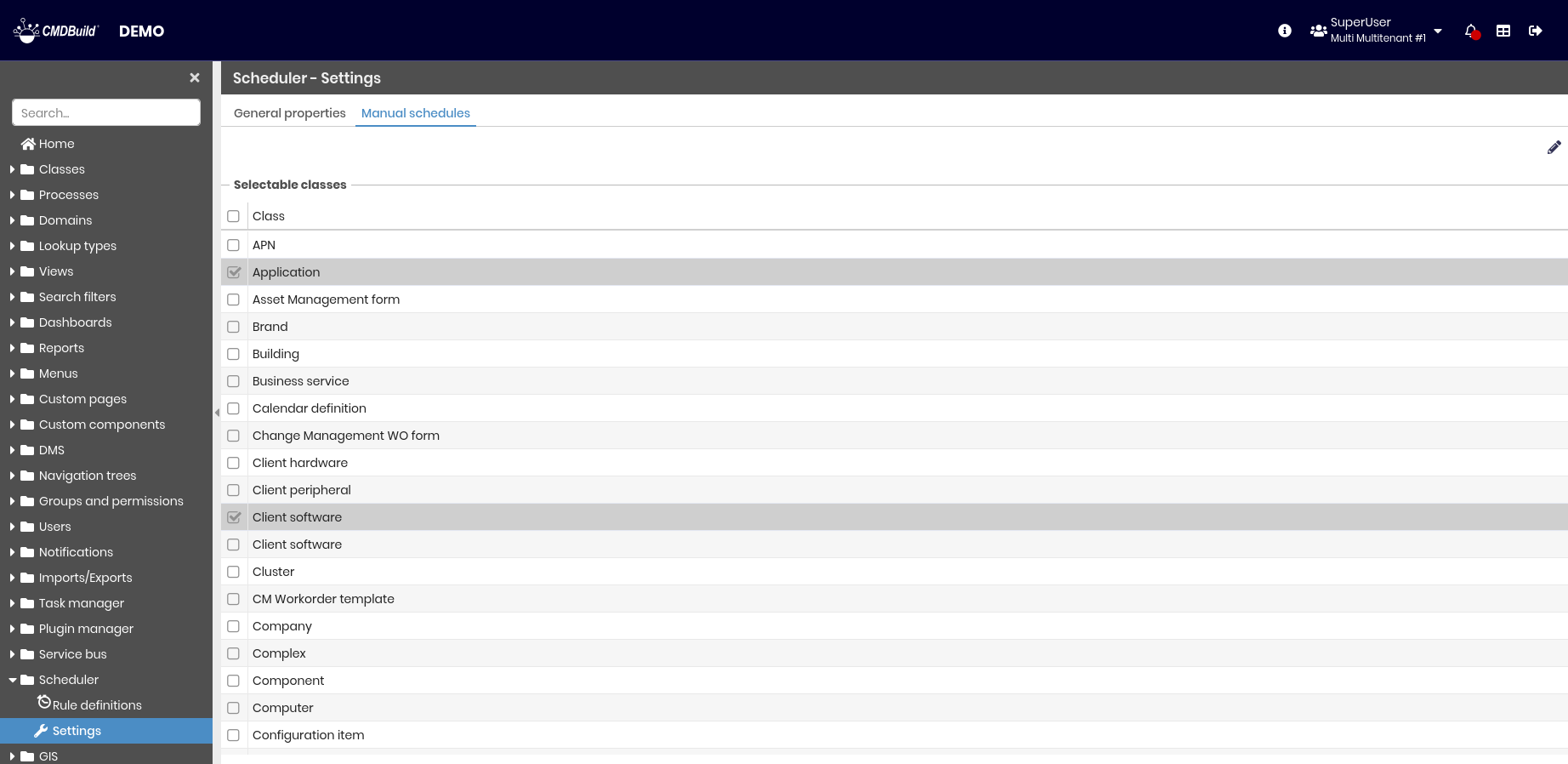
This section allows you to select the classes for which new schedules can be added through the Scheduler section of the user interface.