Plugin manager
Plugin Manager
The Plugin Manager provides a centralized interface for extending CMDBuild through additional plugins. It allows administrators to install, update and manage plugins that enhance internal features, enable integrations with external systems or introduce system customizations.
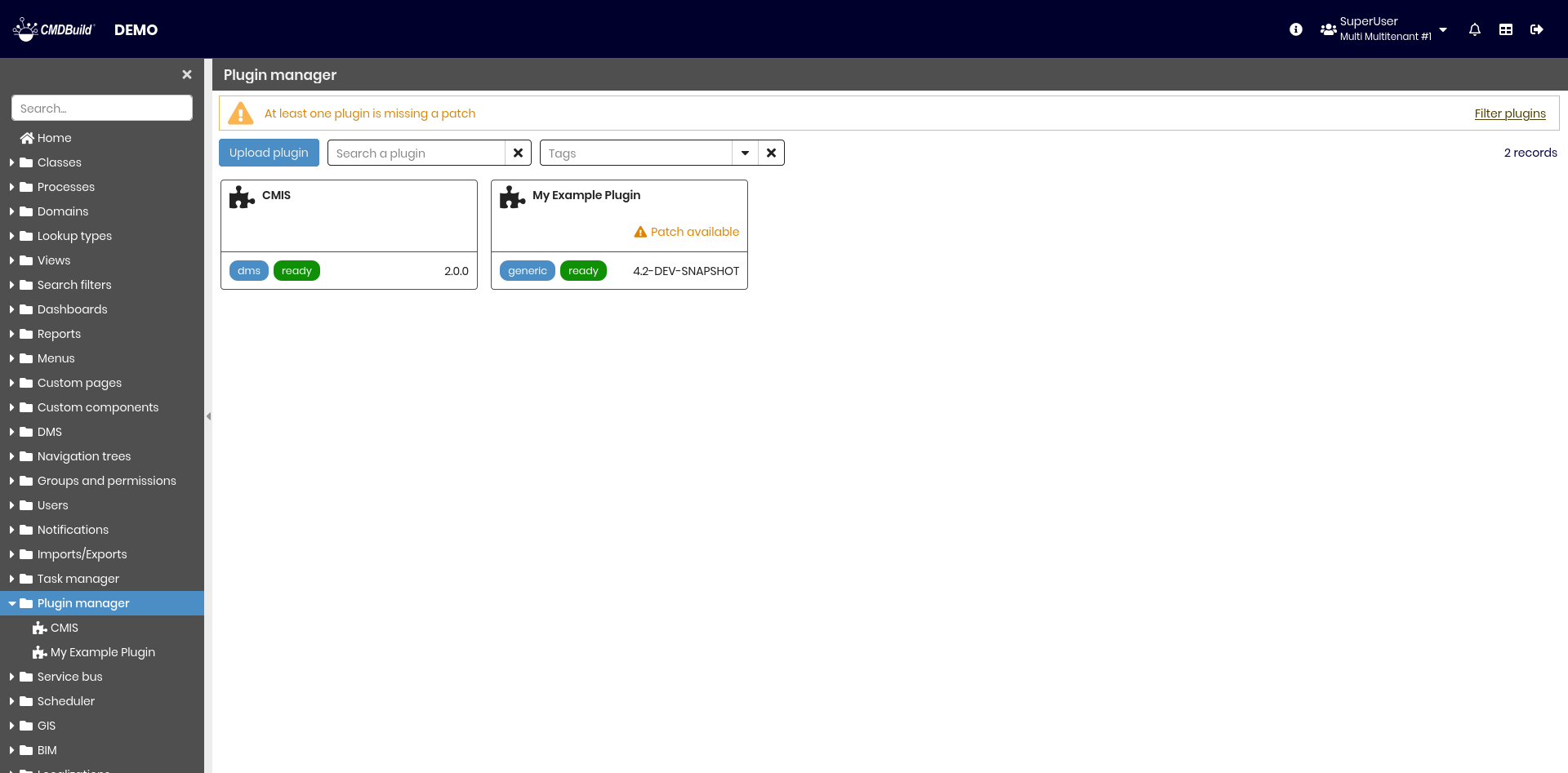
Overview
CMDBuild supports three plugin types:
- Generic
Provide utilities such as Data model synchronization - DMS
Extend the DMS, for example through CMIS - Connectors
Offer integration with third‑party systems such as discovery or monitoring tools
CMDBuild also supports four plugin licenses:
- Free
Publicly released and usable by any installation - Subscription Included
Available to customers with an active maintenance contract - Subscription Add‑On
Available as an additional component for customers with an active maintenance contract - Premium
One‑time purchasable plugins that offer advanced or specialized features
Plugins are packaged as .jar files and may contain:
- Custom Java code
- Bus descriptors defining waterWAY flows and interaction logic
- Configuration properties
- Optional custom pages
- SQL or JSON patches for data model updates
Future extensions may include custom UI components, reports and multilingual translations.
Installation
Plugins are managed directly from the Administration Module, ensuring centralized control without requiring complex operational steps.
To install a plugin:
- Access the Plugin manager page in the Administration Module
- Select Upload plugin
- Provide the plugin
.jarfile - Reboot the application if requested
Subscription and Premium Plugins
Subscription and Premium plugins require:
- A customer code (see settings)
- A public certificate provided by Pat
- The installation of the Plugin Checker plugin
Without these elements, the plugin will not operate.
Installing the Certificate
To authorize Subscription and Premium plugins, the public certificate must be installed in the Java environment.
Command:
sudo keytool -importcert -alias aliasCert -file public_cert.cer -keystore JAVA_HOME/lib/security/cacerts
Where:
- alias is an arbitrary identifier for the certificate
- file is the public certificate provided by Pat
- JAVA_HOME/lib/security/cacerts is the Java keystore where the certificate must be installed
Patches
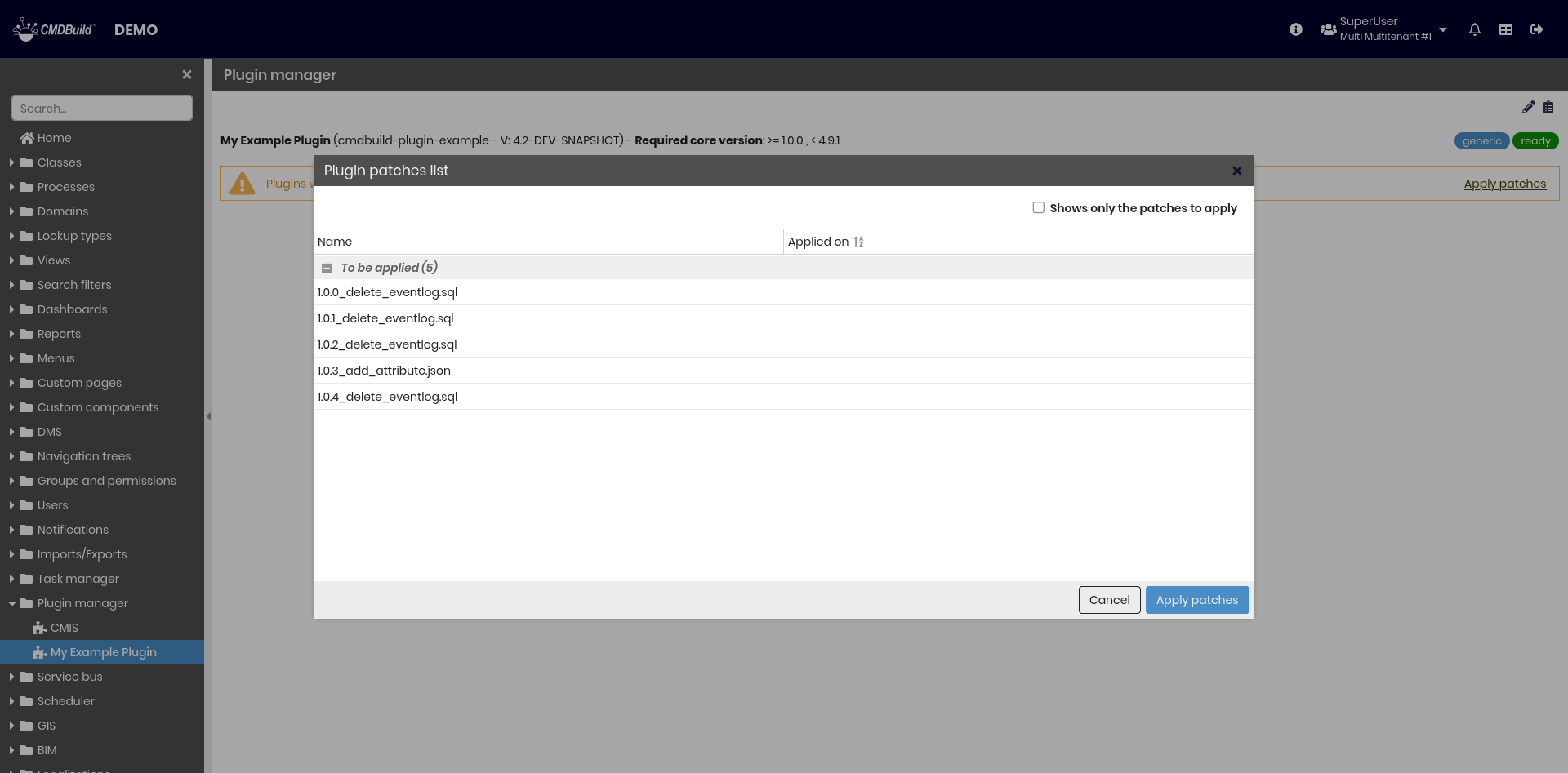
Some plugins, after installation or update, require the application of patches. Required patches can be inspected in the overview or in the plugin detail page through the Patches icon in the top‑left corner.
Apply patches doesn't need a reboot
Configuration
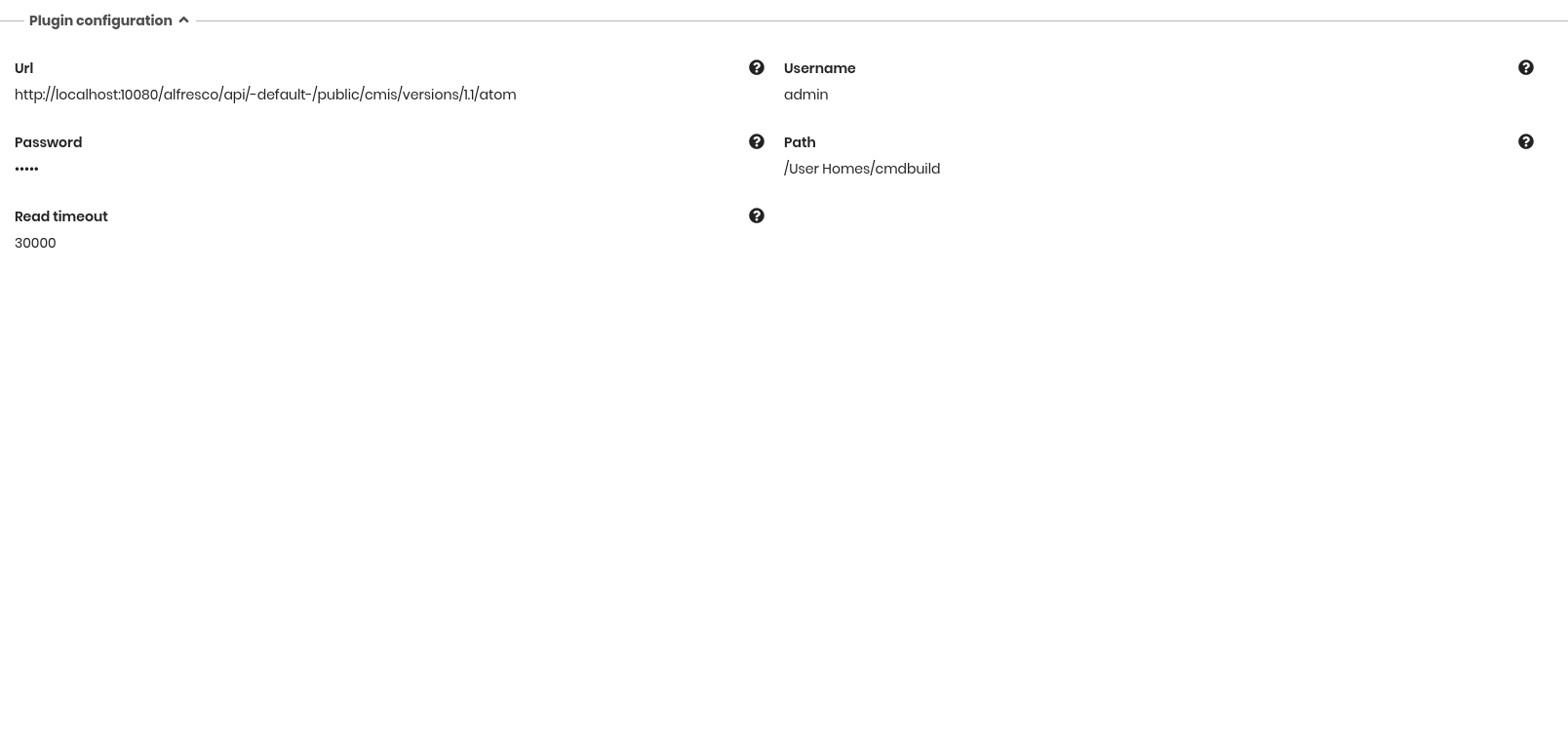
Some plugins expose configurable settings through their detail page. In this example, the settings belong to the CMIS plugin:
Plugins
Available plugins
| Name | Description | Type | License |
|---|---|---|---|
| CMIS | Add CMIS functionality to DMS | DMS | Free |
| Plugin checker | Needs to all premium and subscription plugins | Generic | Subscription |
| Data model syncronization | Export and import data model as JSON | Generic | Subscription |
| Mobile Offline | Add offline feature for mobile devices | Generic | Premium |